Change the Display Photo on the Property Dashboard
When viewing a property dashboard, there is a section entitled "Photo Viewer." The default photo will be the one that is tagged as "exterior photo" if none is selected for this category then no image will display.
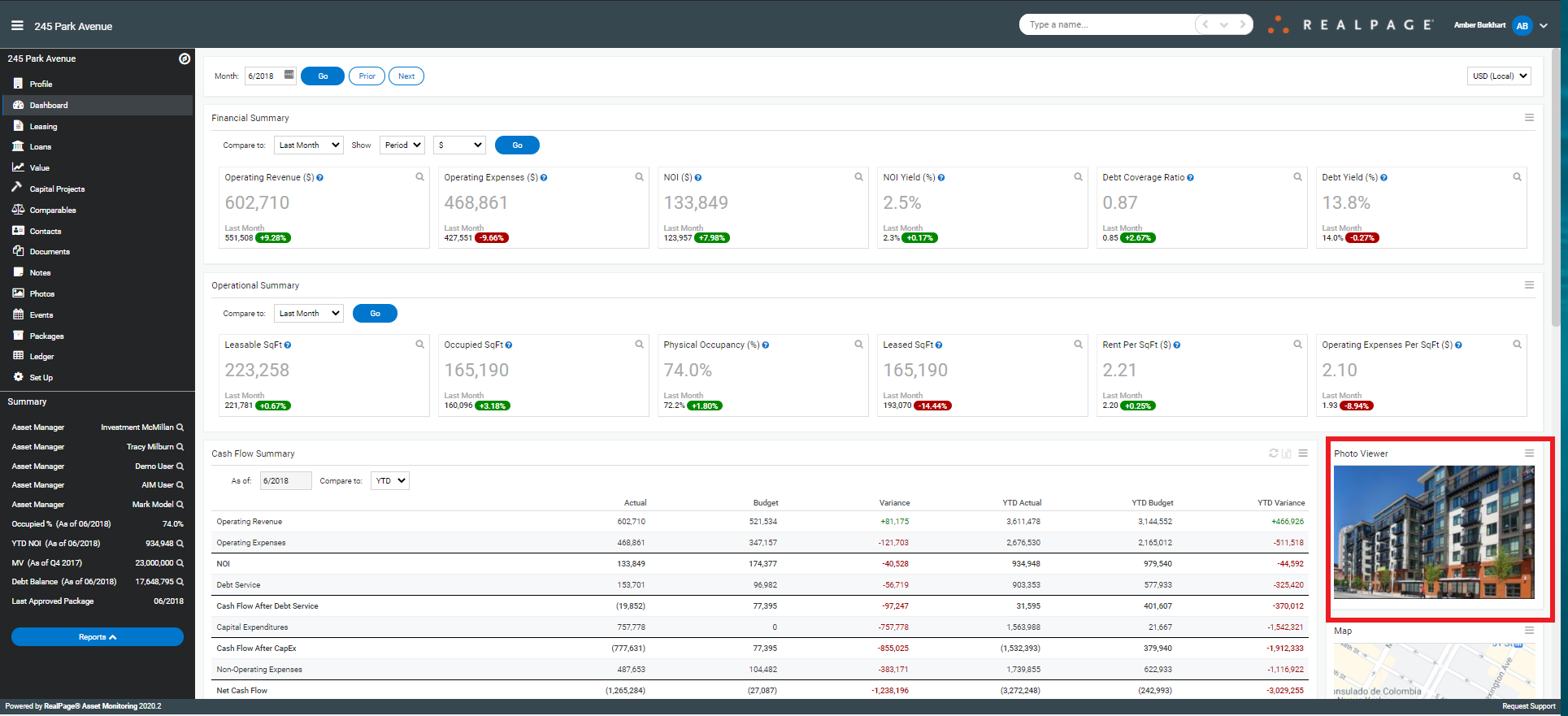
To change this photo, you will need to navigate to the property (if not already there)

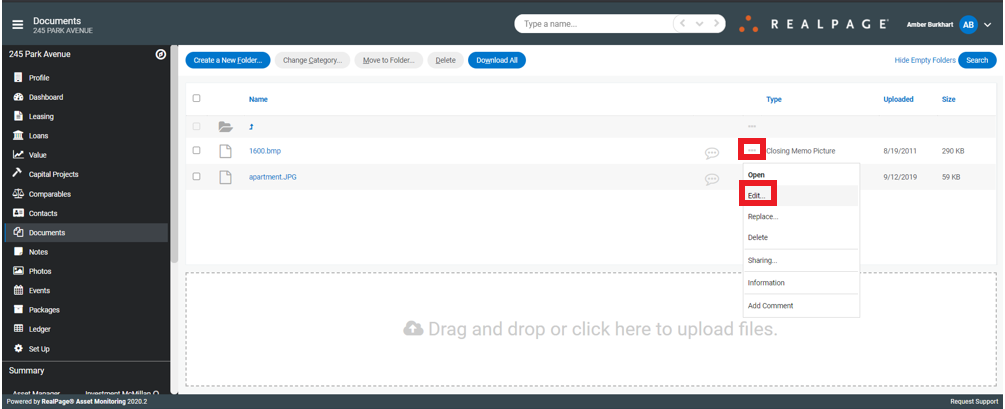
Choose the "Documents" section from the Property menu and click on the folder entitled "Photos"

Locate the photo you wish to display on the dashboard and click on the ellipsis in the "Type" column>Edit
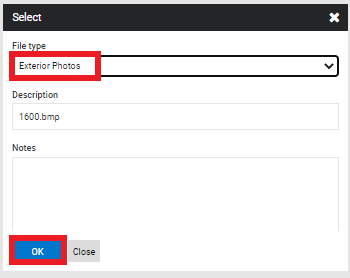
Change the type to "Exterior Photo" and click OK