Bulk Rent Roll Imports
Rent roll data can be imported for more than one property at a time though global import options.
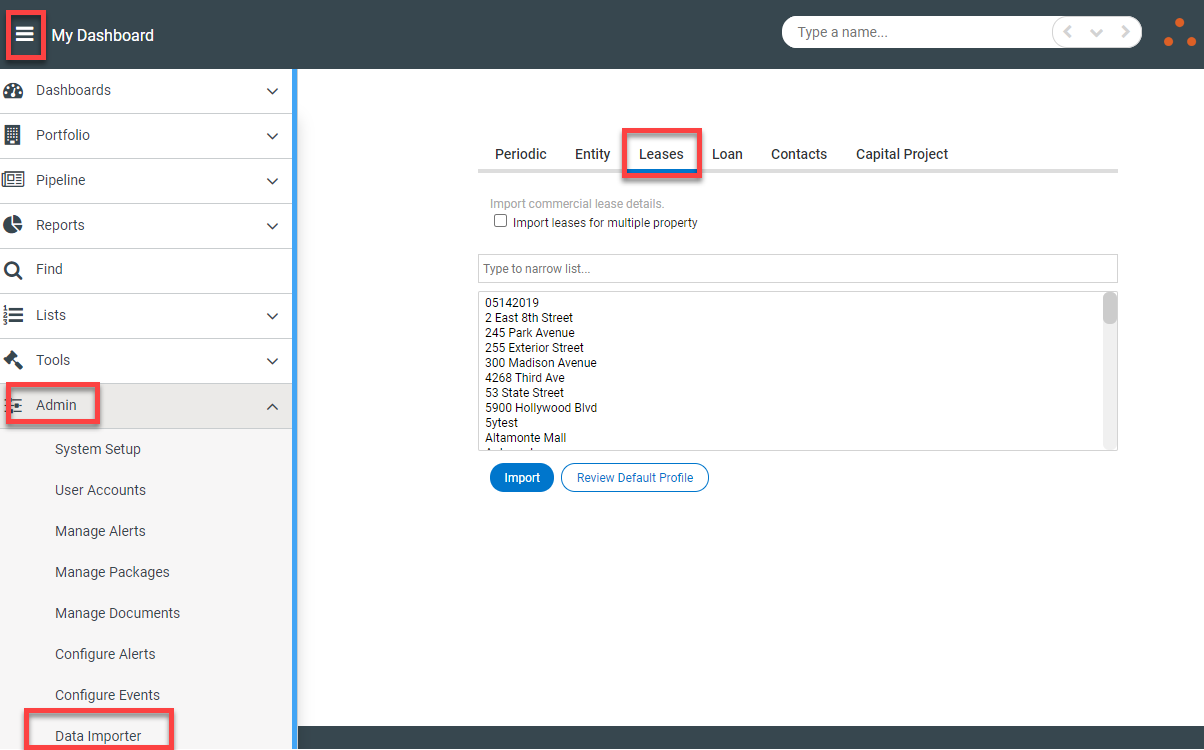
To import the file(s), navigate to Admin>Data Importer>Leases
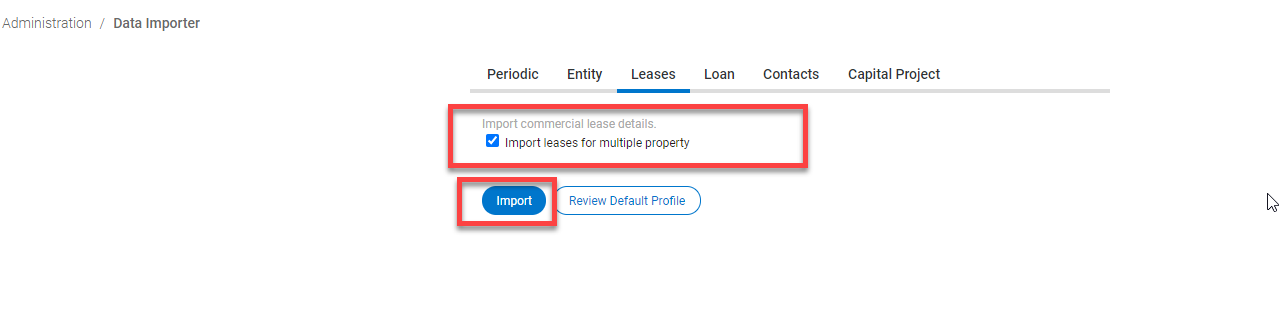
If the 'Import leases for multiple property' checkbox is selected, there is no need to select properties from the list. After checking the box, select the blue Import button.
By default the ledger will be updated with metrics such as Leasable Area, Leased Area, Occupied Area, Vacant Area, Number of Leases and number of tenants for the period given in the file. If the period is not available in the file, then these metrics will not be updated.