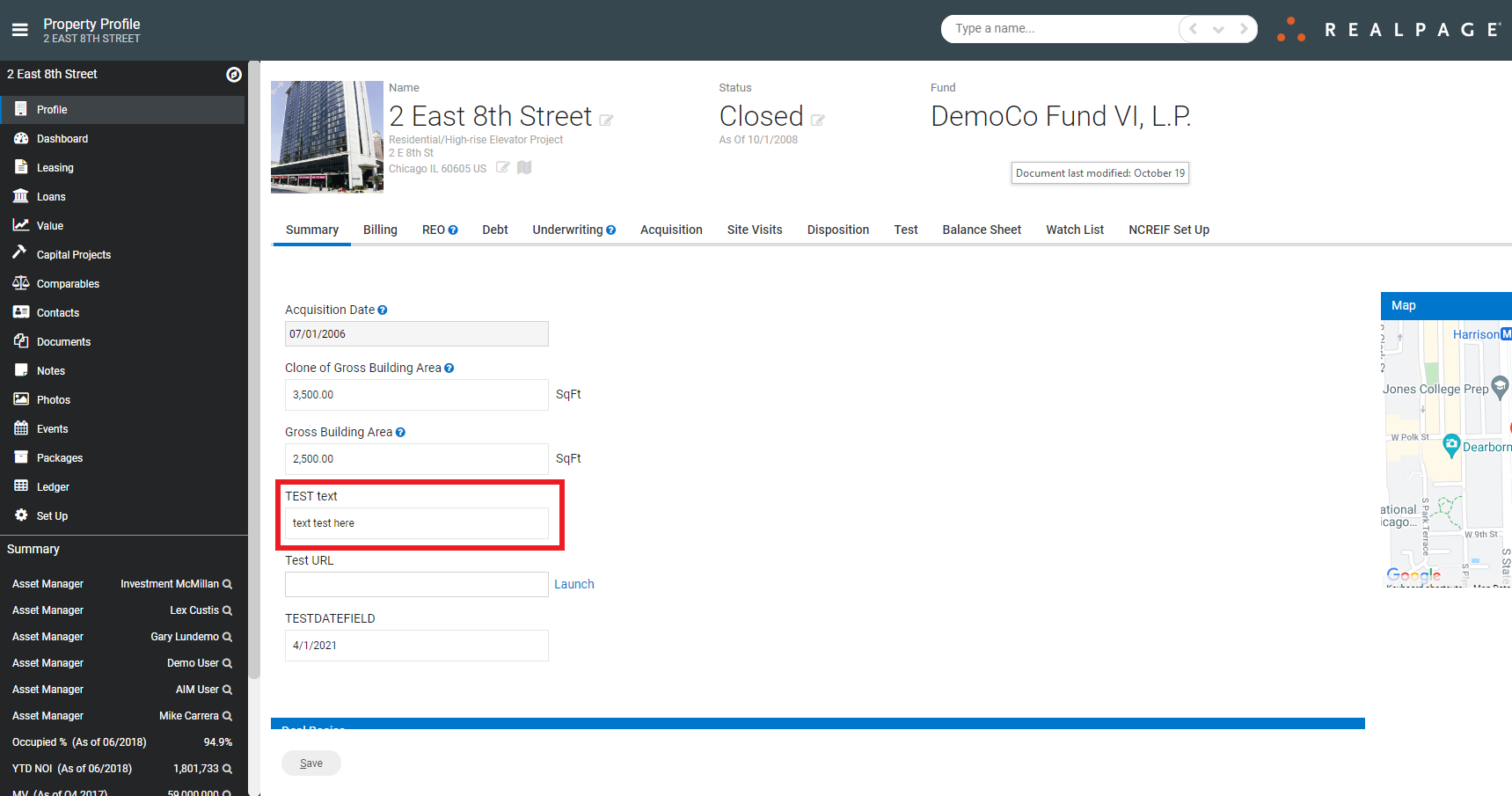
Create a Custom Field
First, navigate to Admin>System Setup: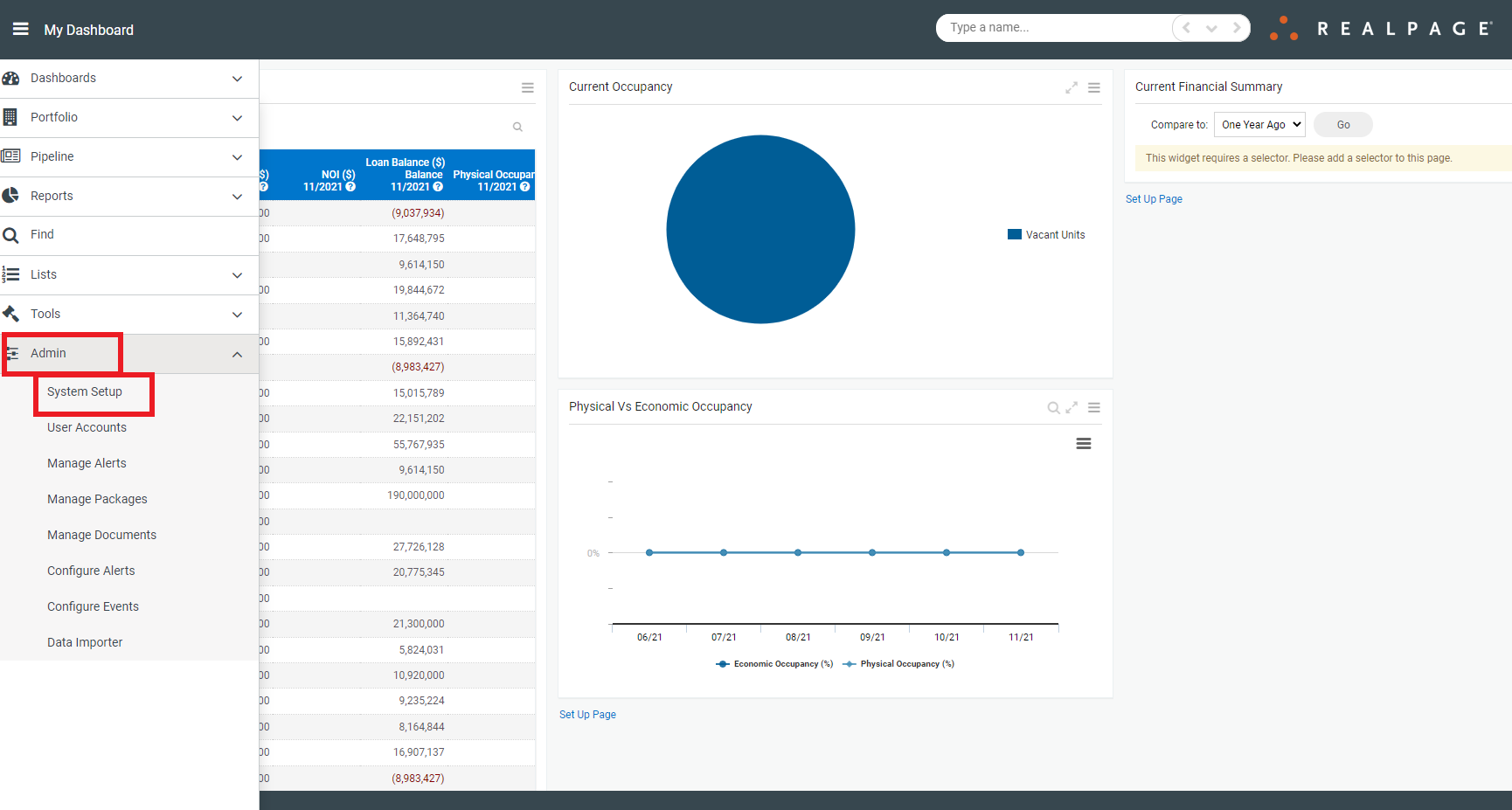
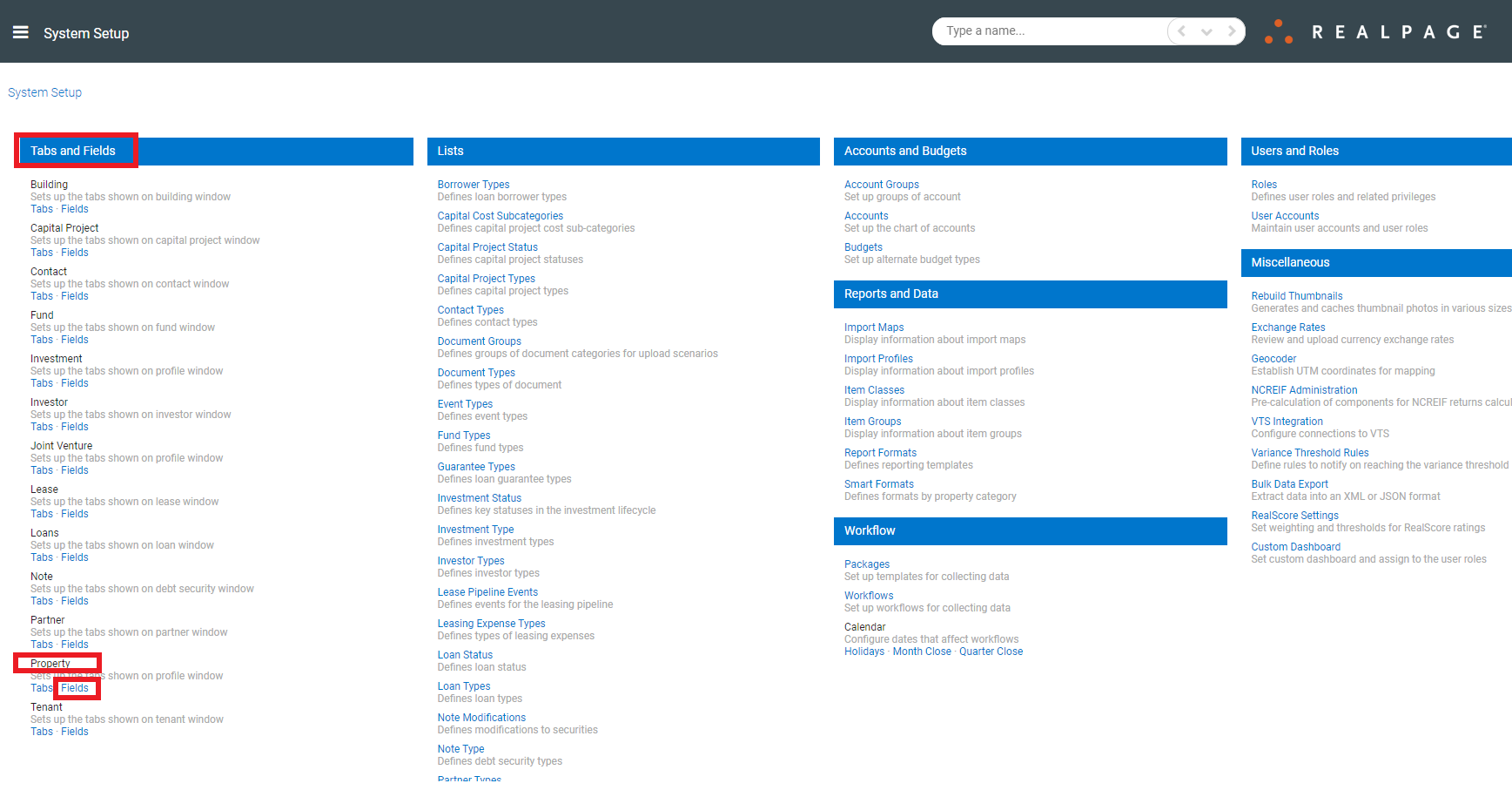
Then, navigate to Tabs and Fields>Property>Fields:
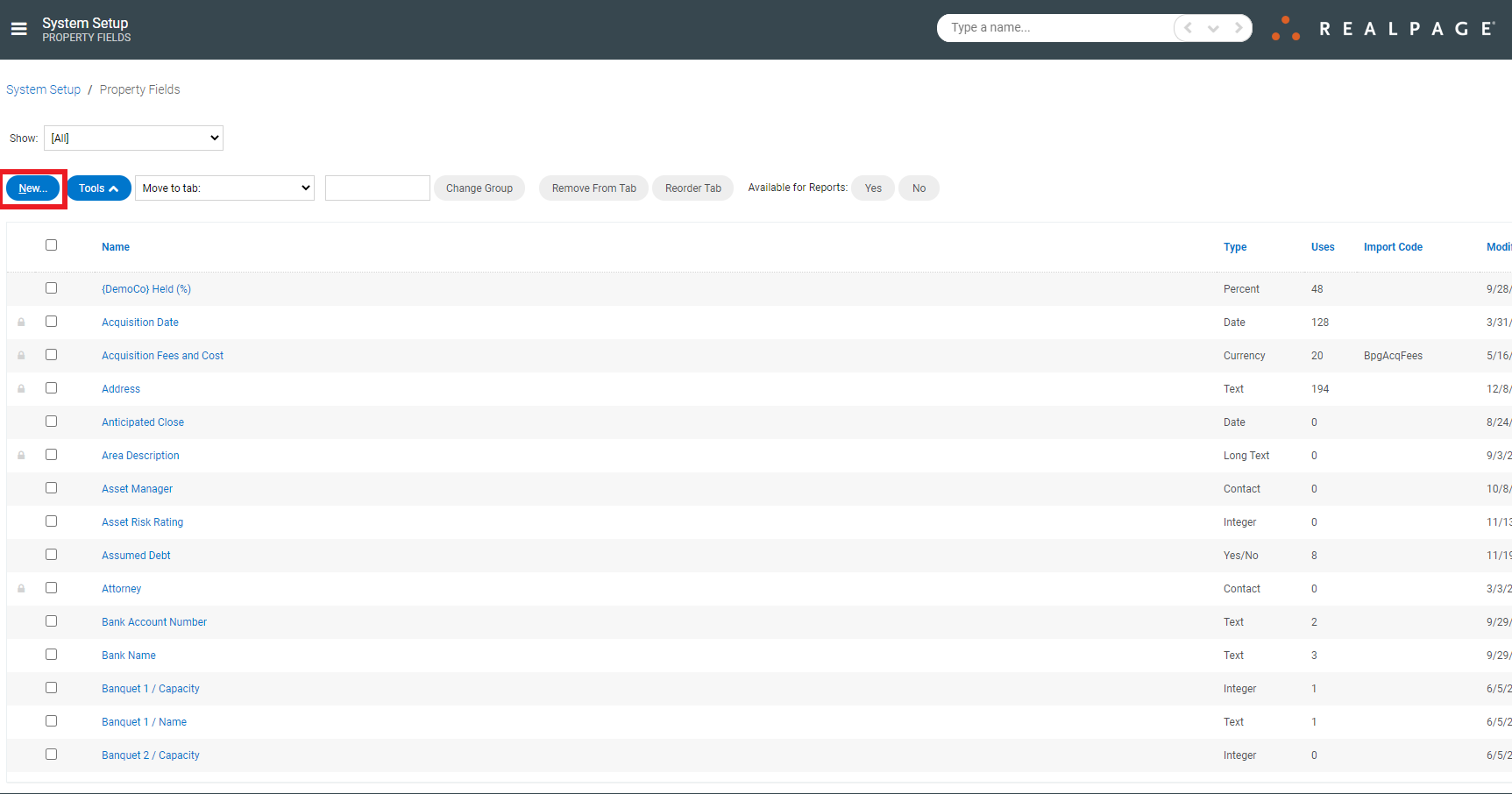
Once on the Property Fields page, click New:
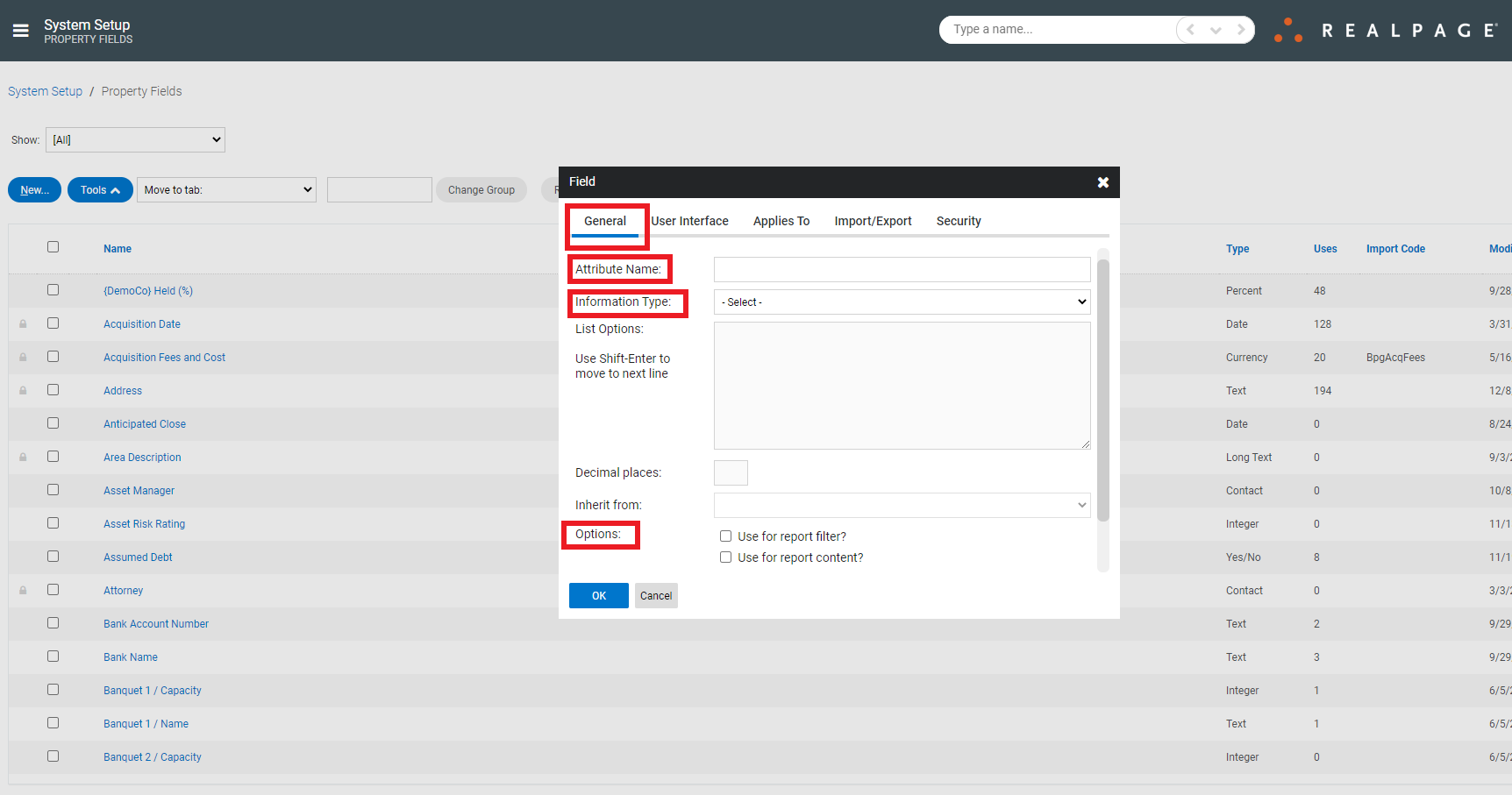
This will bring up a new window in which to enter the Field information. First, complete the required sections under the General tab:
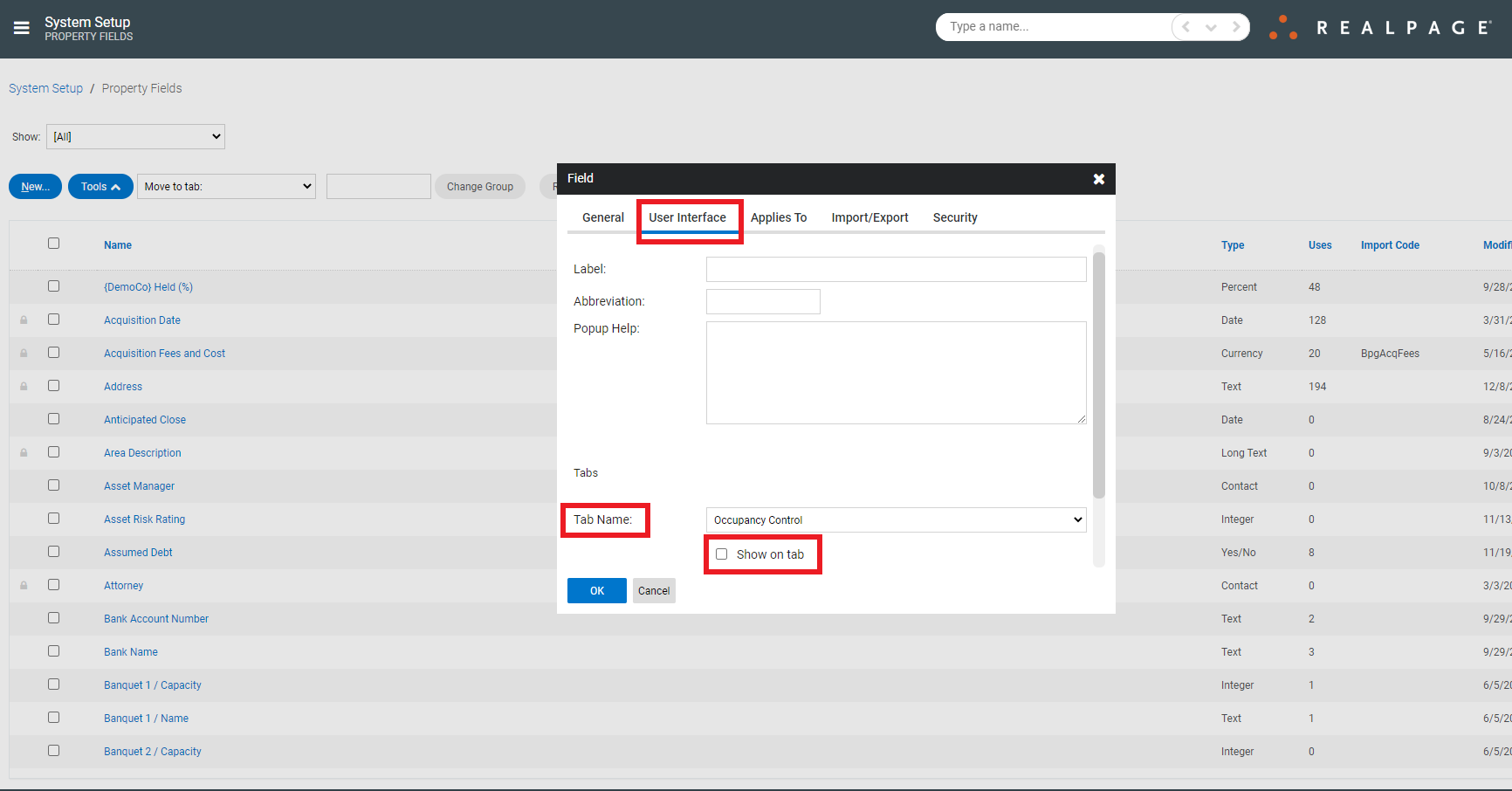
Then, complete the required sections under the User Interface tab. Please be sure to click "Show on tab" in order to view the new Field under the Property:
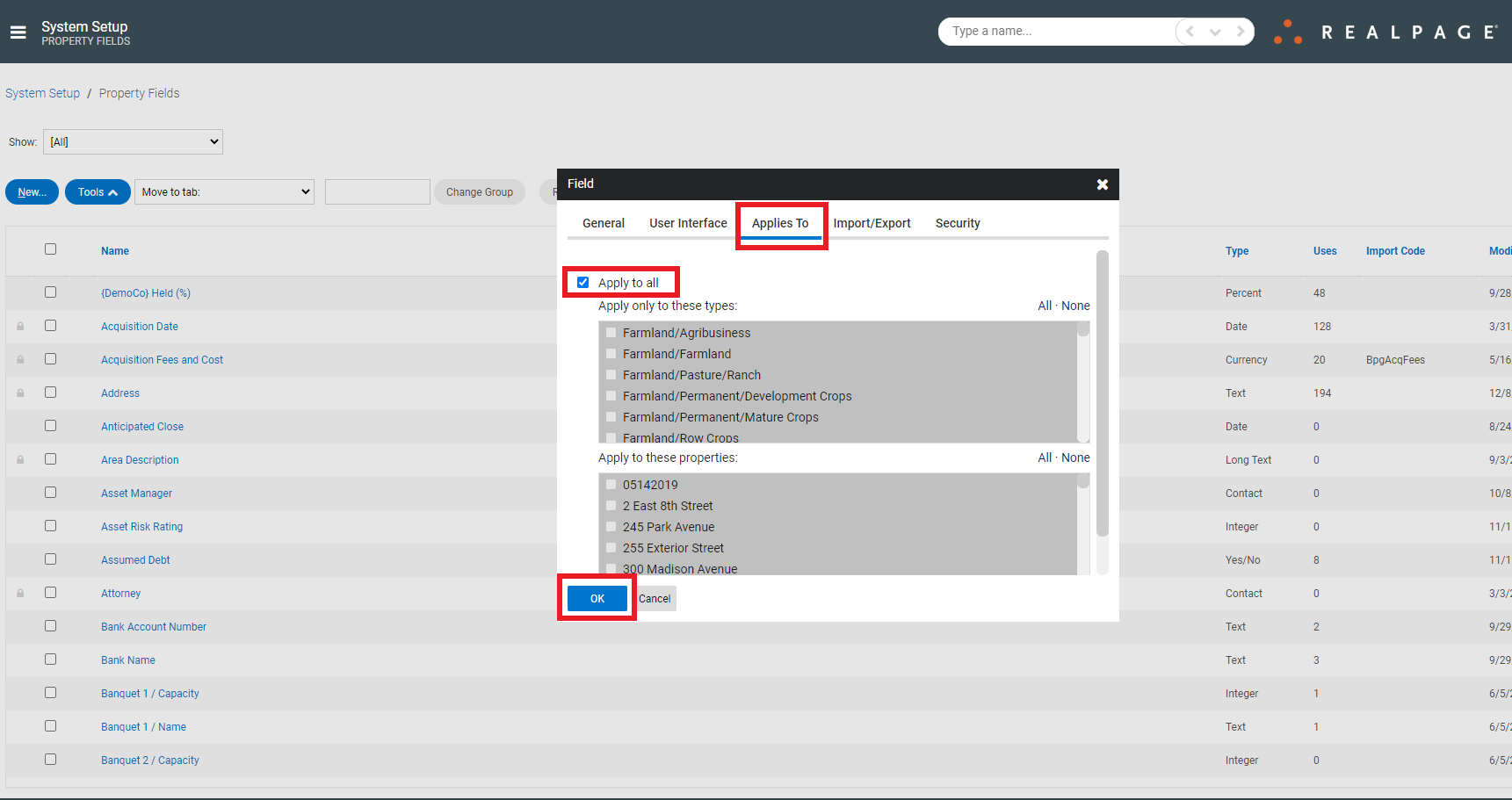
Next, complete the required sections under the Applies To tab and click OK.
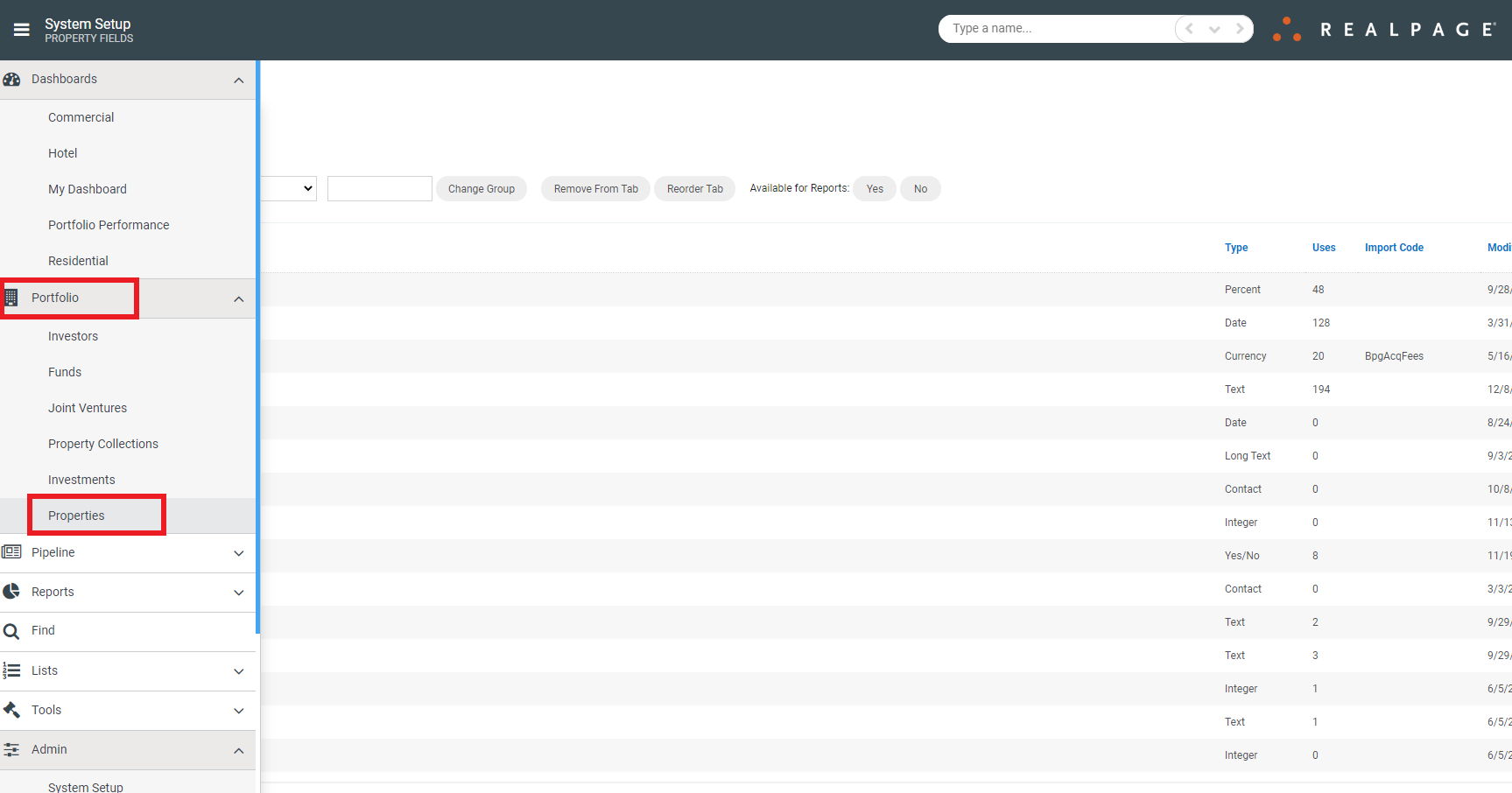
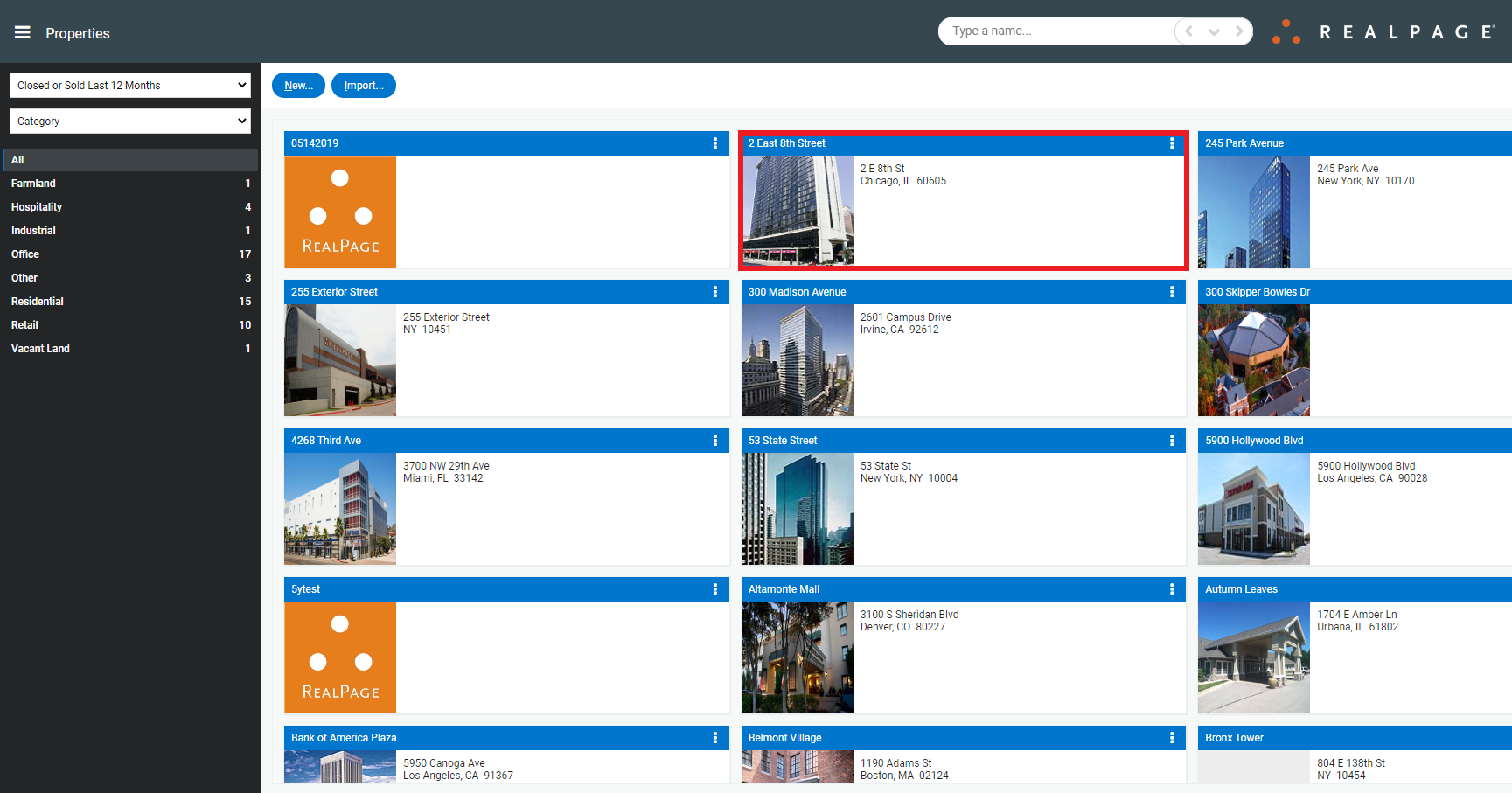
Now, to verify the new Field functionality, navigate to Portfolio>Properties:
Choose a Property:
And look for the new Field: