Add a Thumbnail Image
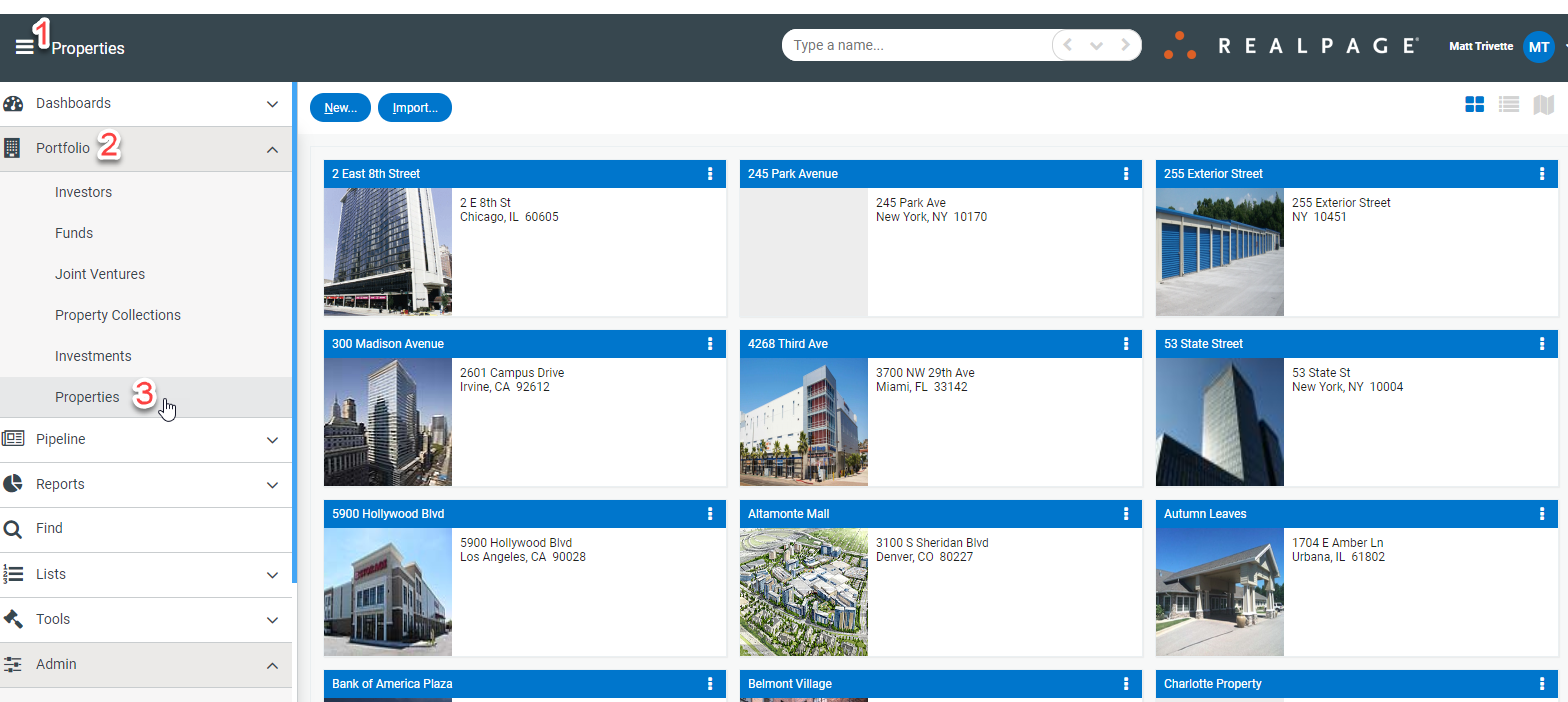
To add a new thumbnail image to a property, navigate to Portfolio>Properties.
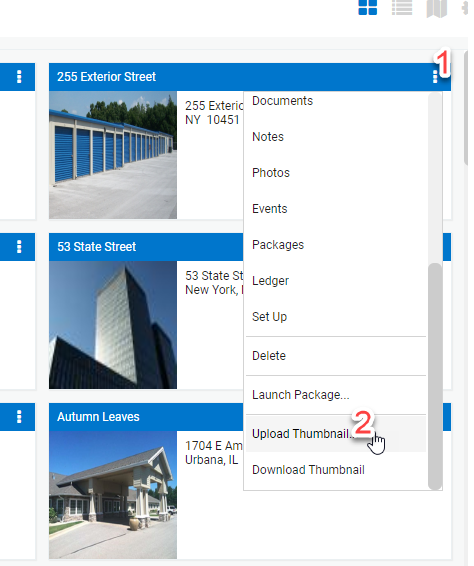
Select the three dots to the right of the property tile>Upload Thumbnail.
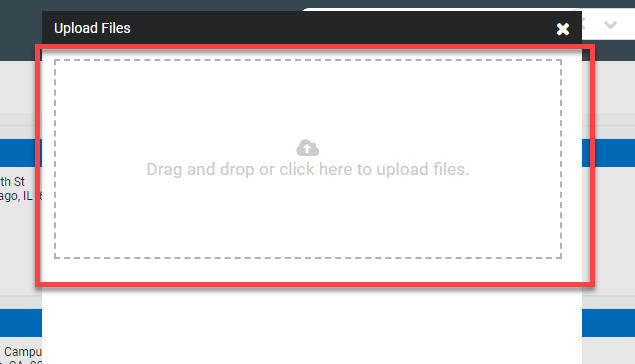
Drag the image file into the box or click to search for the file.
To add a new thumbnail image to a property, navigate to Portfolio>Properties.
Select the three dots to the right of the property tile>Upload Thumbnail.
Drag the image file into the box or click to search for the file.