Display a Custom Field in a Report
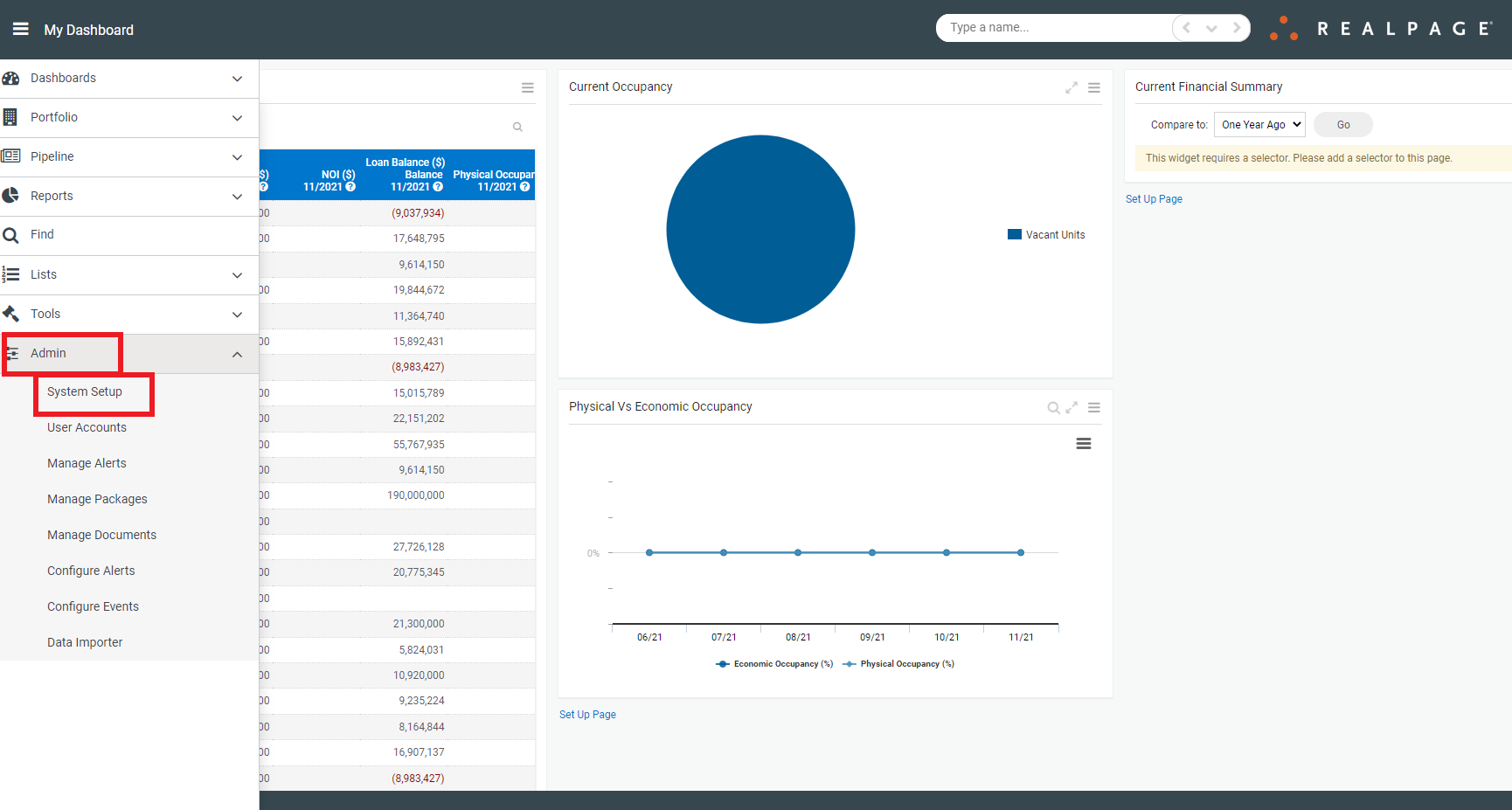
First, navigate to Admin>System Setup Menu:
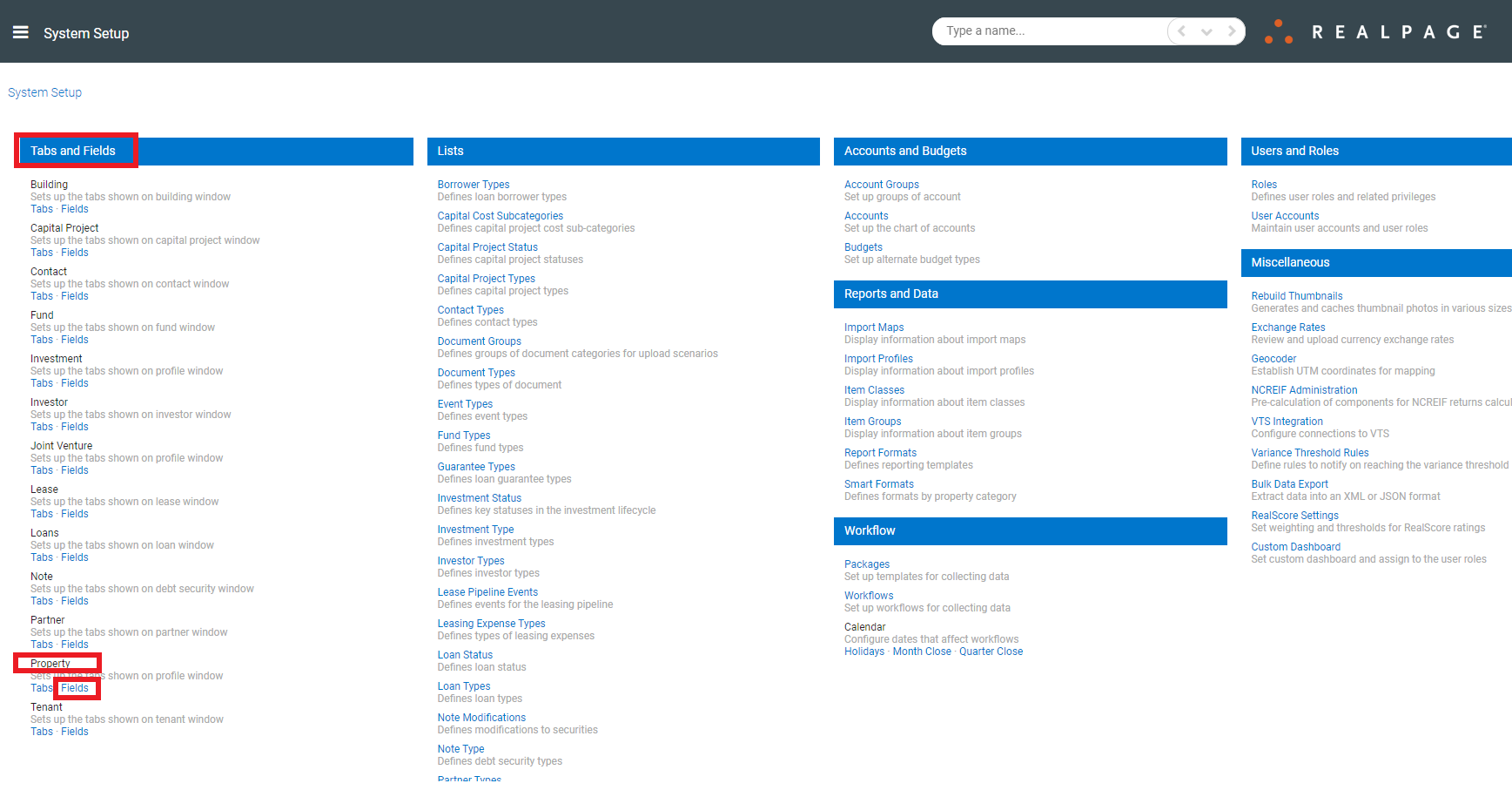
Then, navigate to Tabs and Fields>Property>Fields:
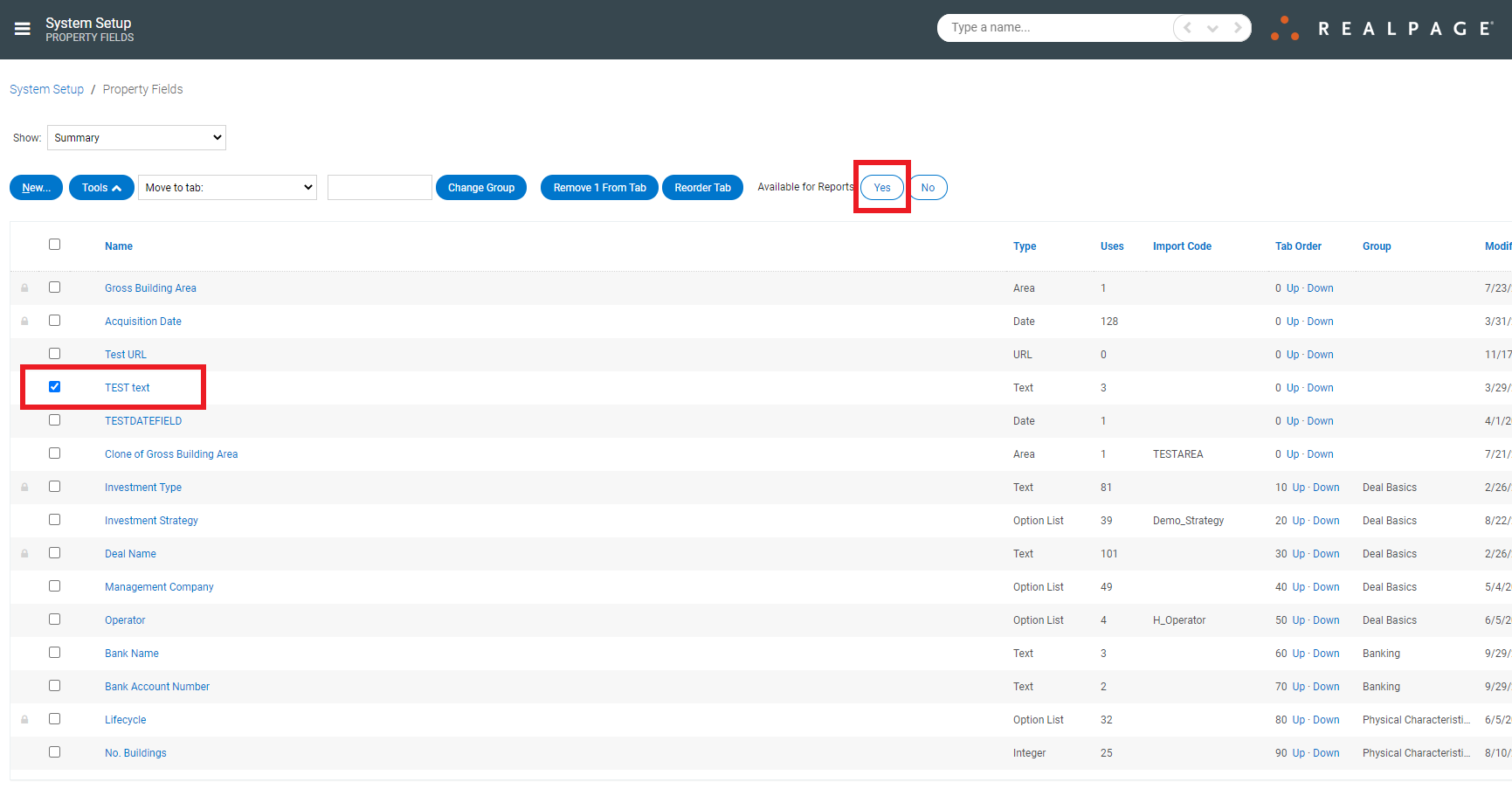
Locate the Custom Field and be sure it is Available for Reports:
To Display the Custom Field in a Report, navigate to Reports>Standard Reports:
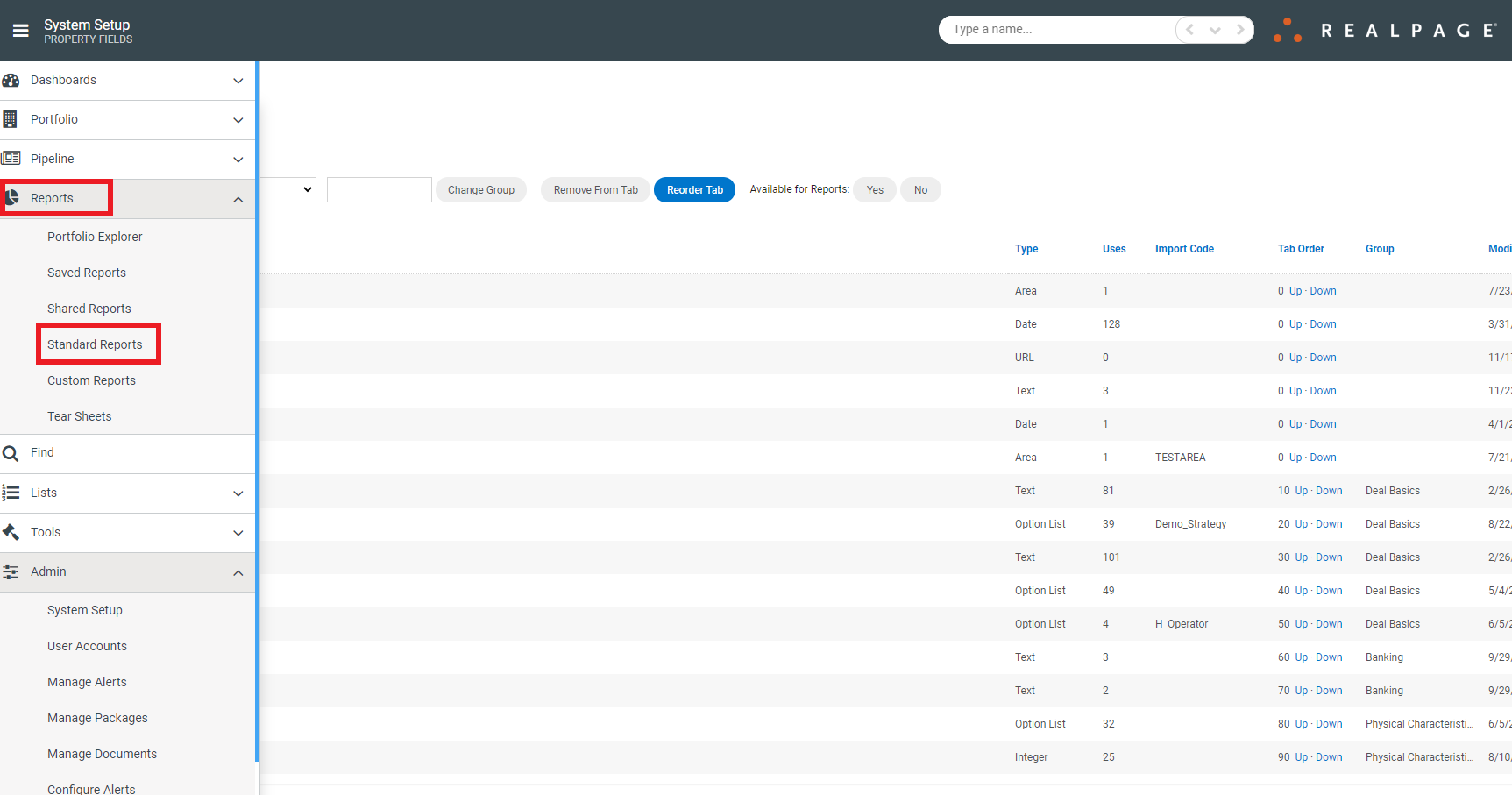
Please note that Standard Reports tend to be a little rigid when referring to modified fields. Therefore, there are Ad-Hoc Lists, which allow custom reports to be build with custom fields:
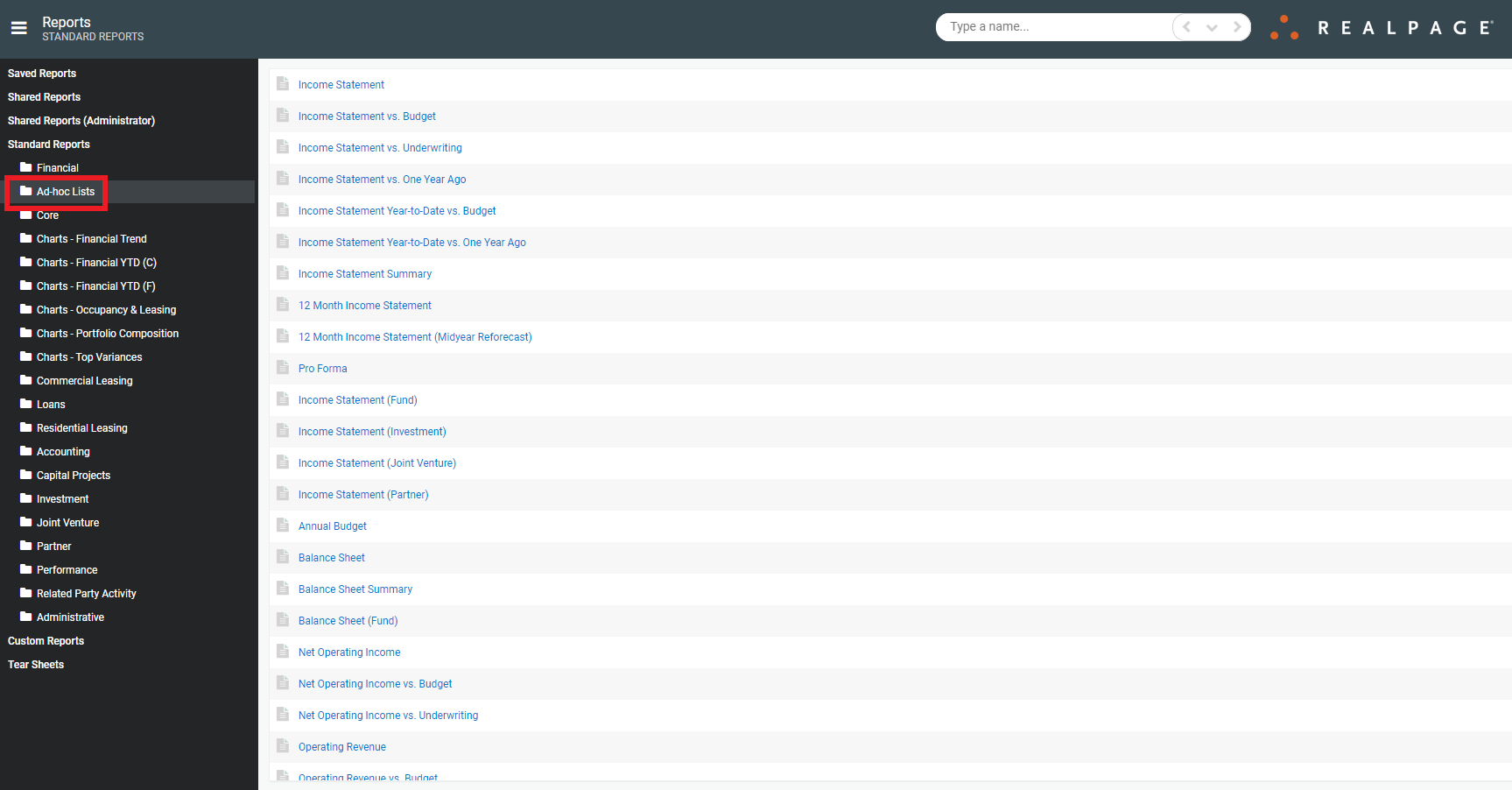
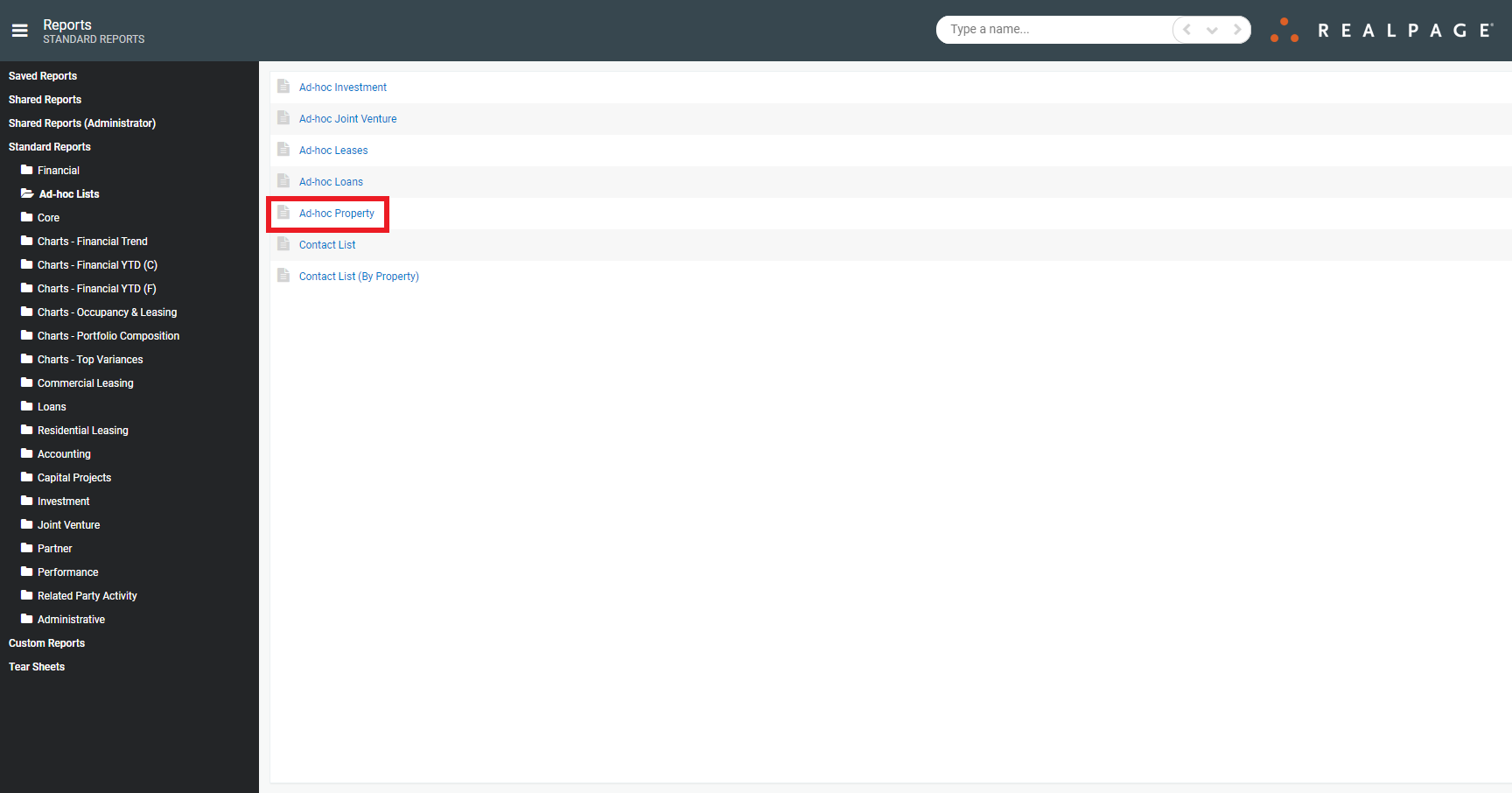
Within the Ad-Hoc Lists screen, click on an Ad-Hoc report:
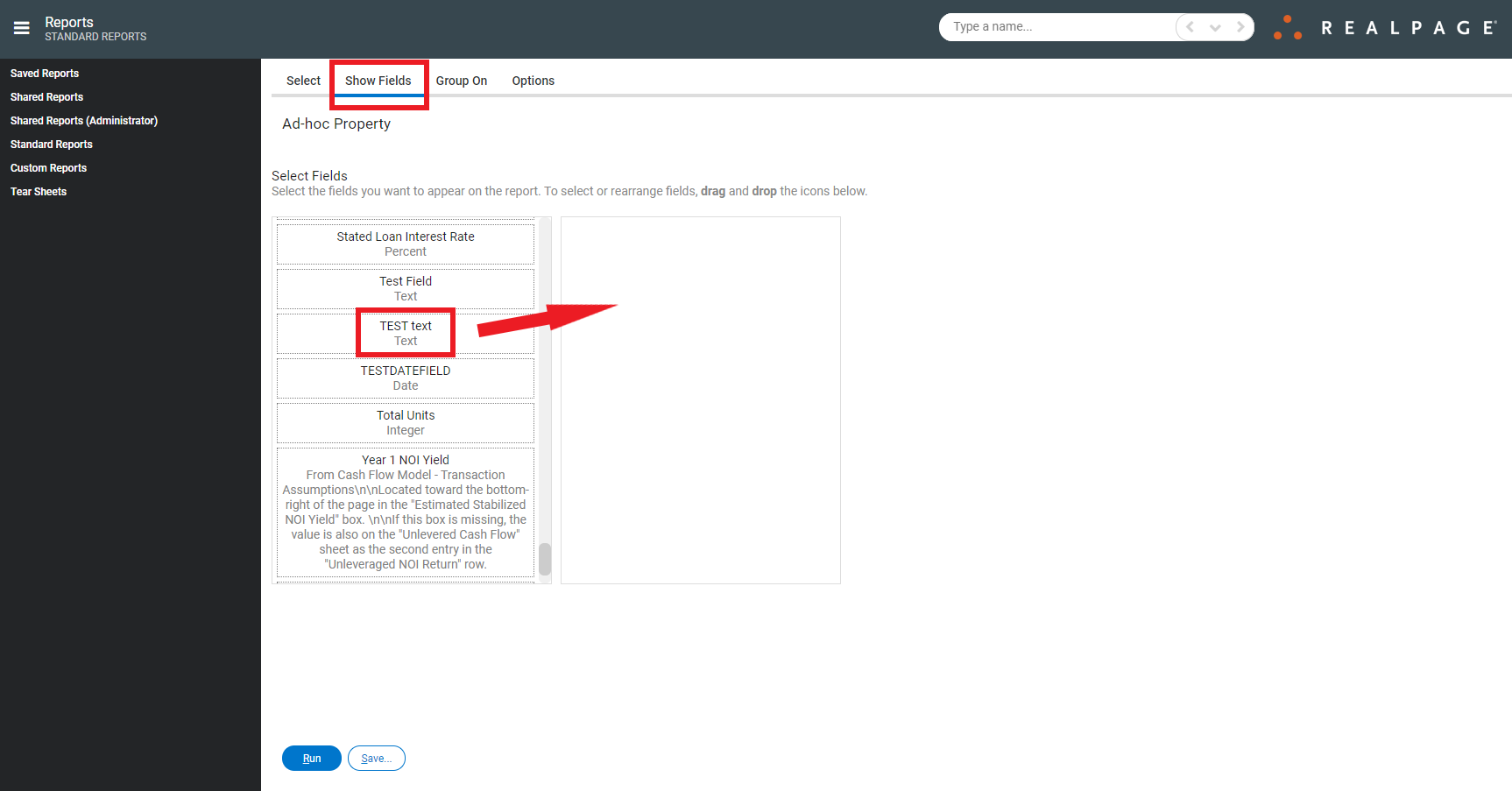
Once in the report, navigate to the Show Fields tab and then locate the Custom Field to drag and drop over so it appears in the report:
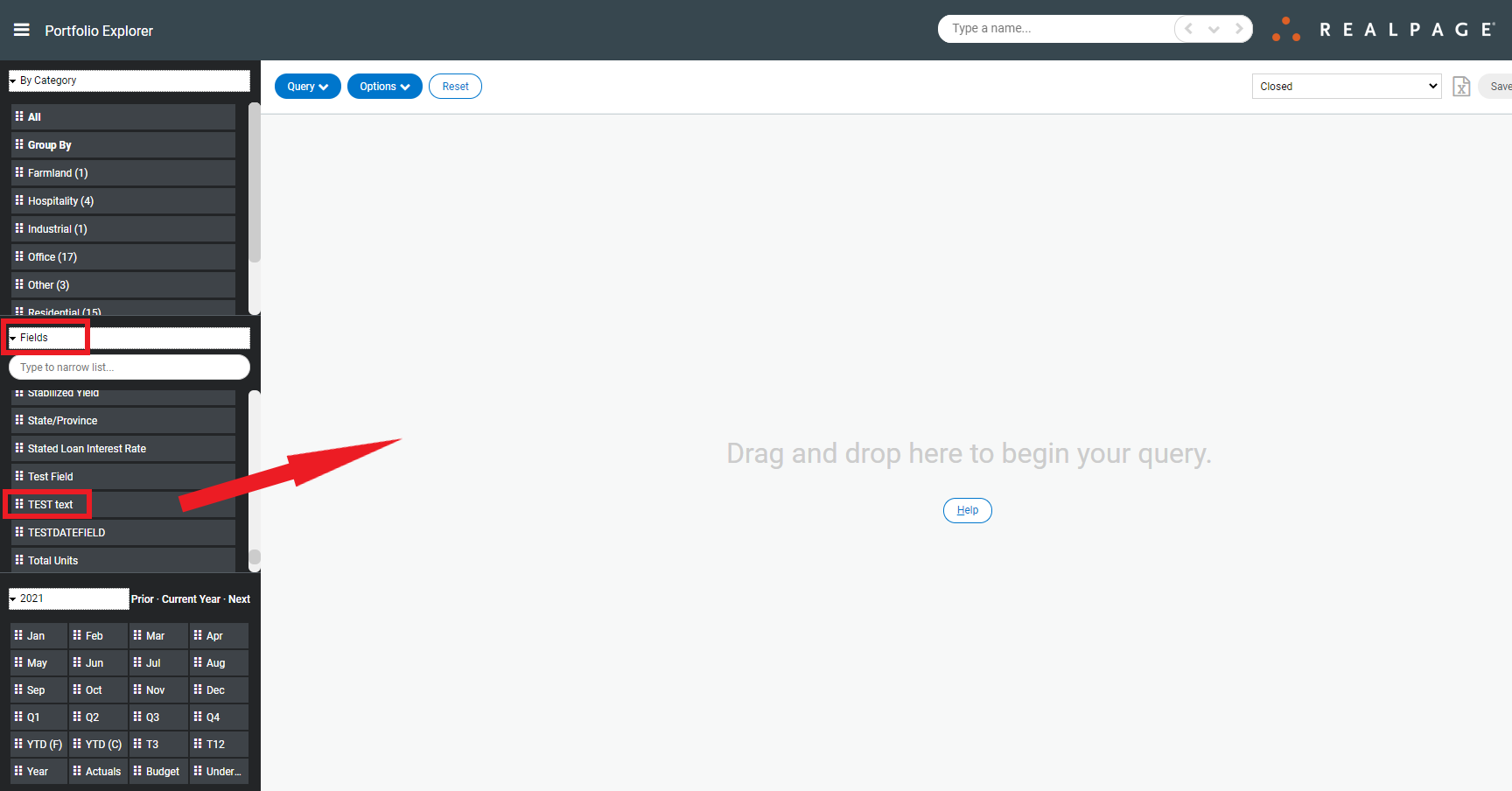
Additionally, the Custom Field may be found under Reports>Portfolio Explorer:
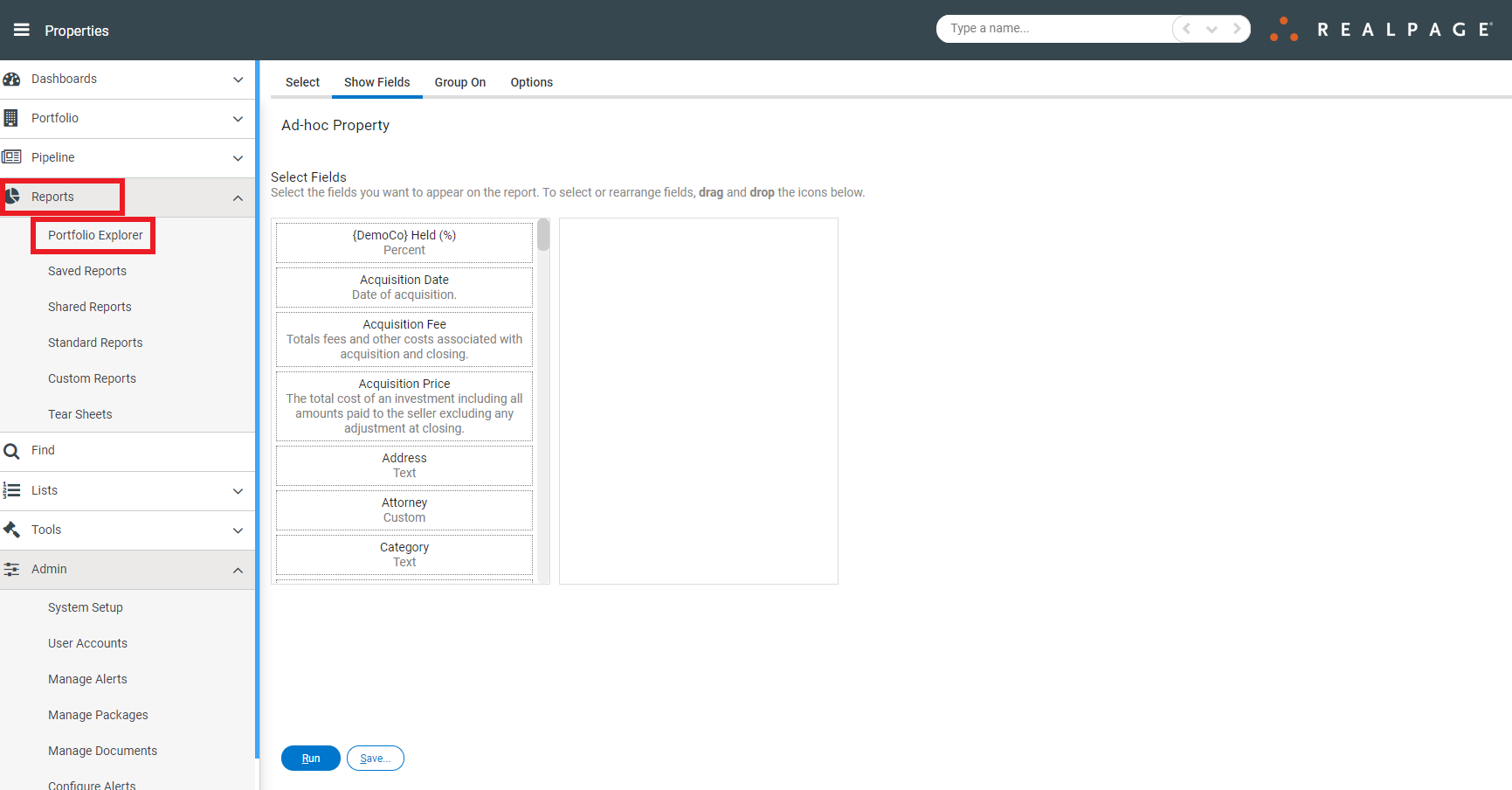
If choosing to create a report this way, locate the Custom Field and drag/drop it to the right with your other variables: