Create a Custom Tab
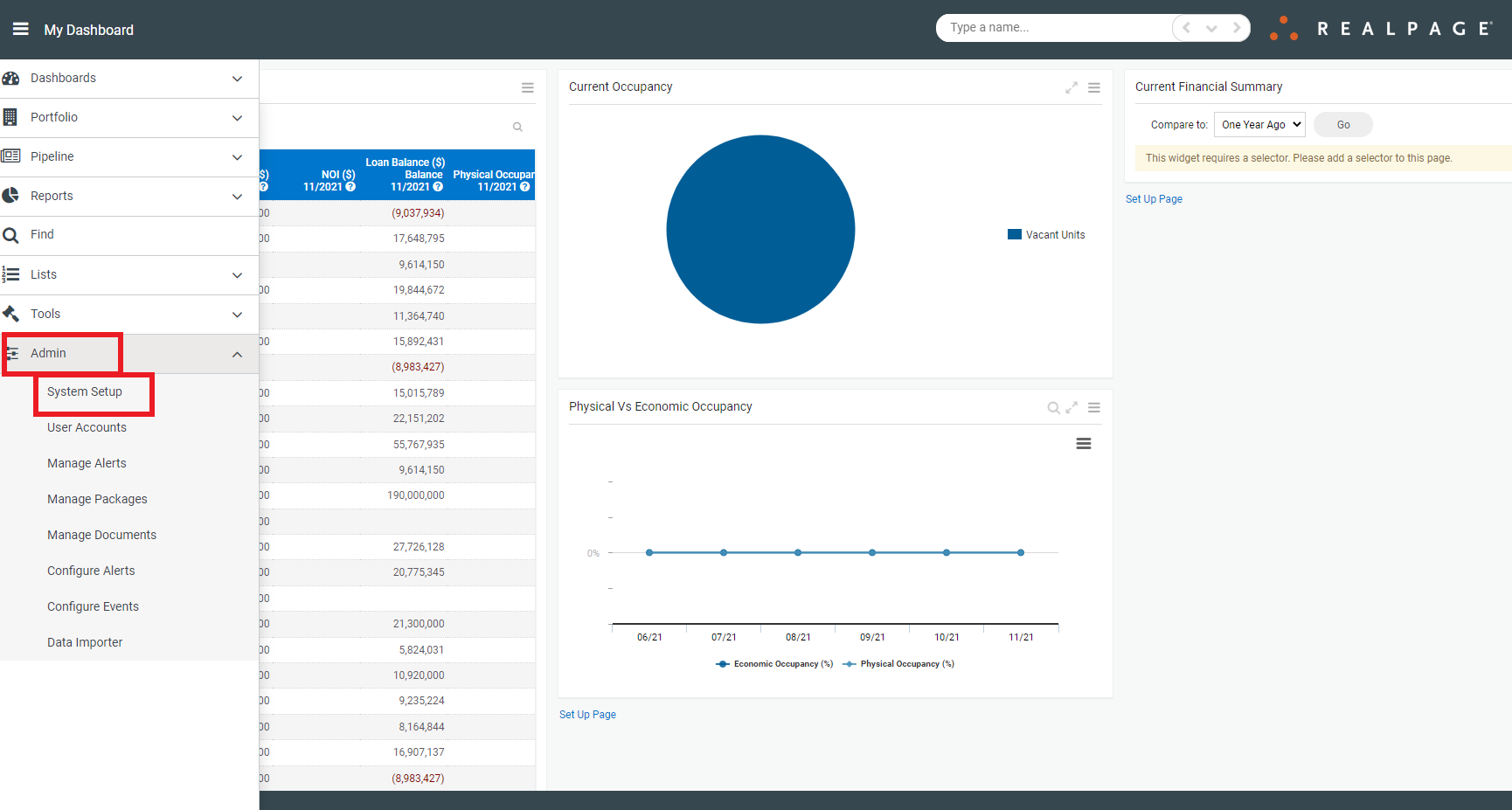
First, navigate to Admin>System Setup:
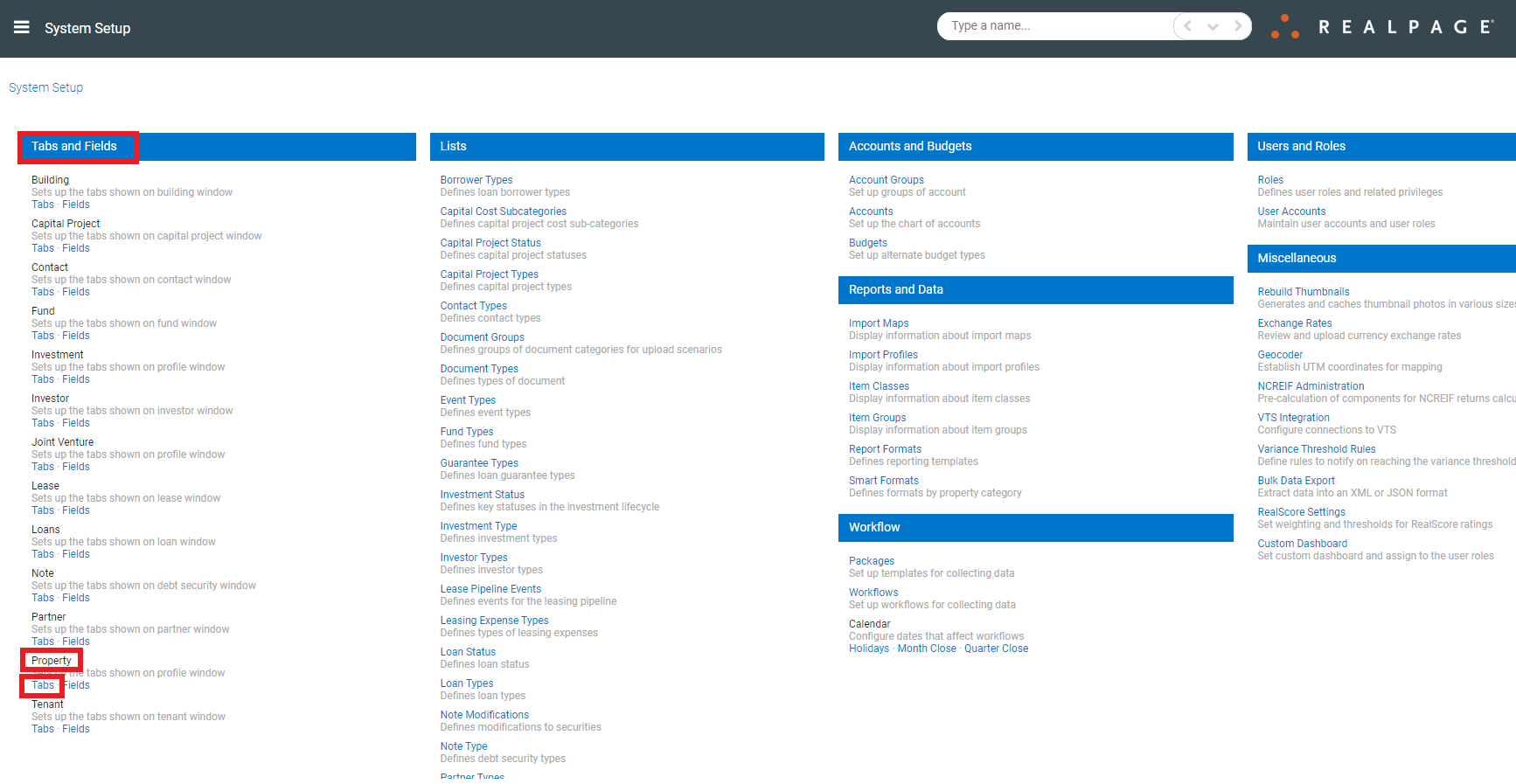
Then, navigate to Tabs and Fields>Property>Tabs:
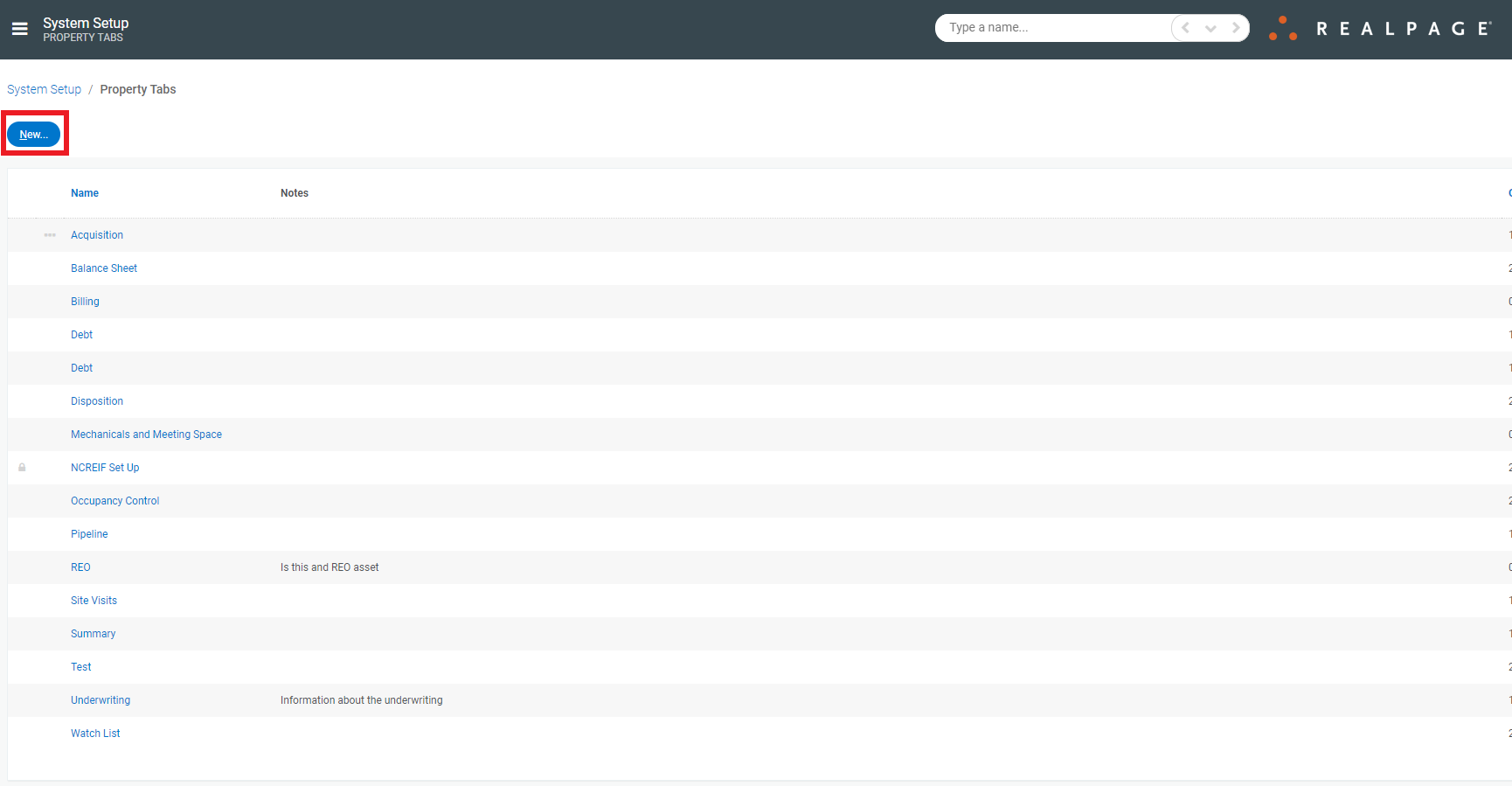
Once on the Property Tabs page, click New:
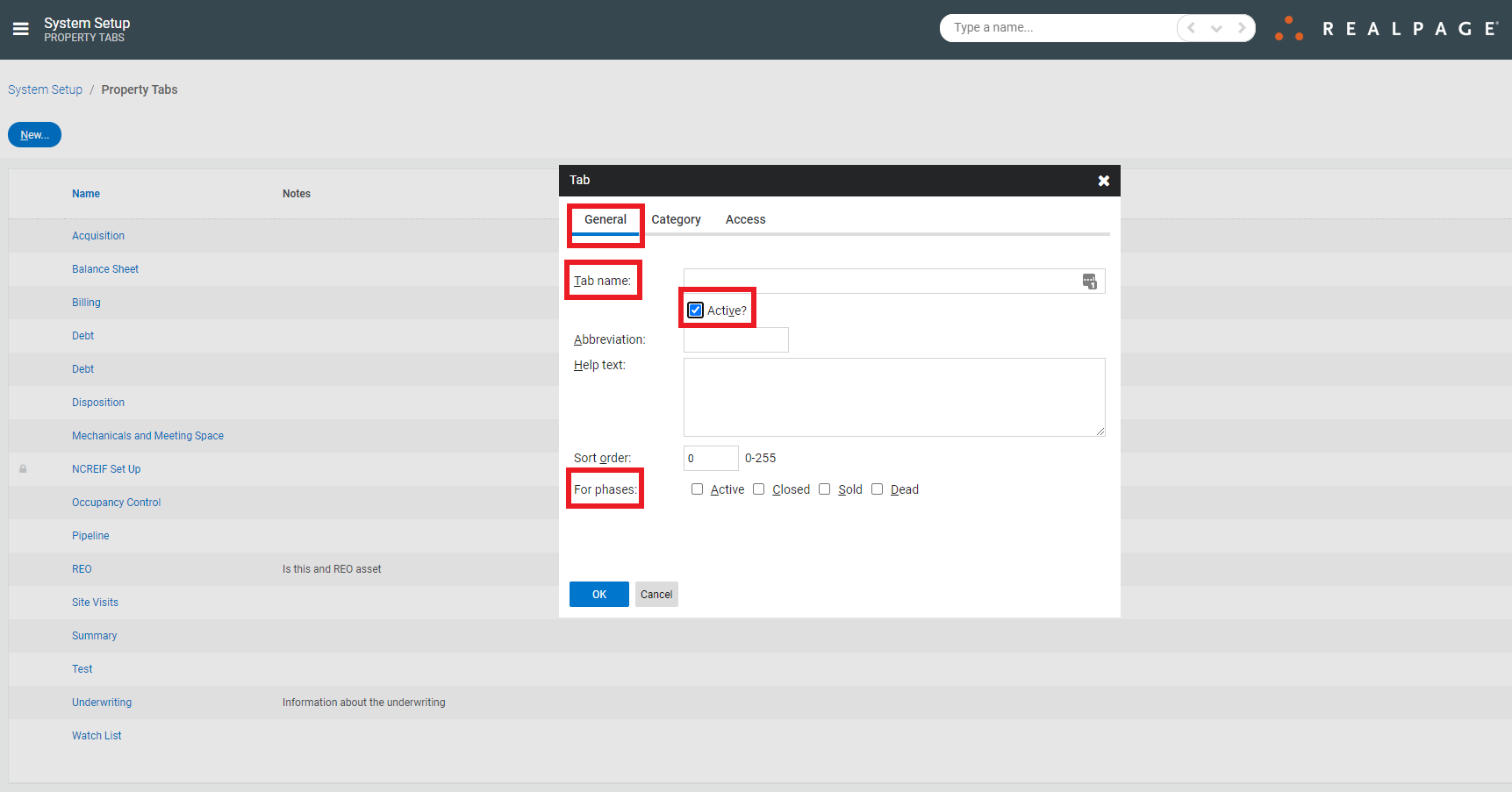
This will bring up a new window in which you may enter the Tab information. First, complete the required fields under General. Be sure to click Active, so the tab shows up appropriately:
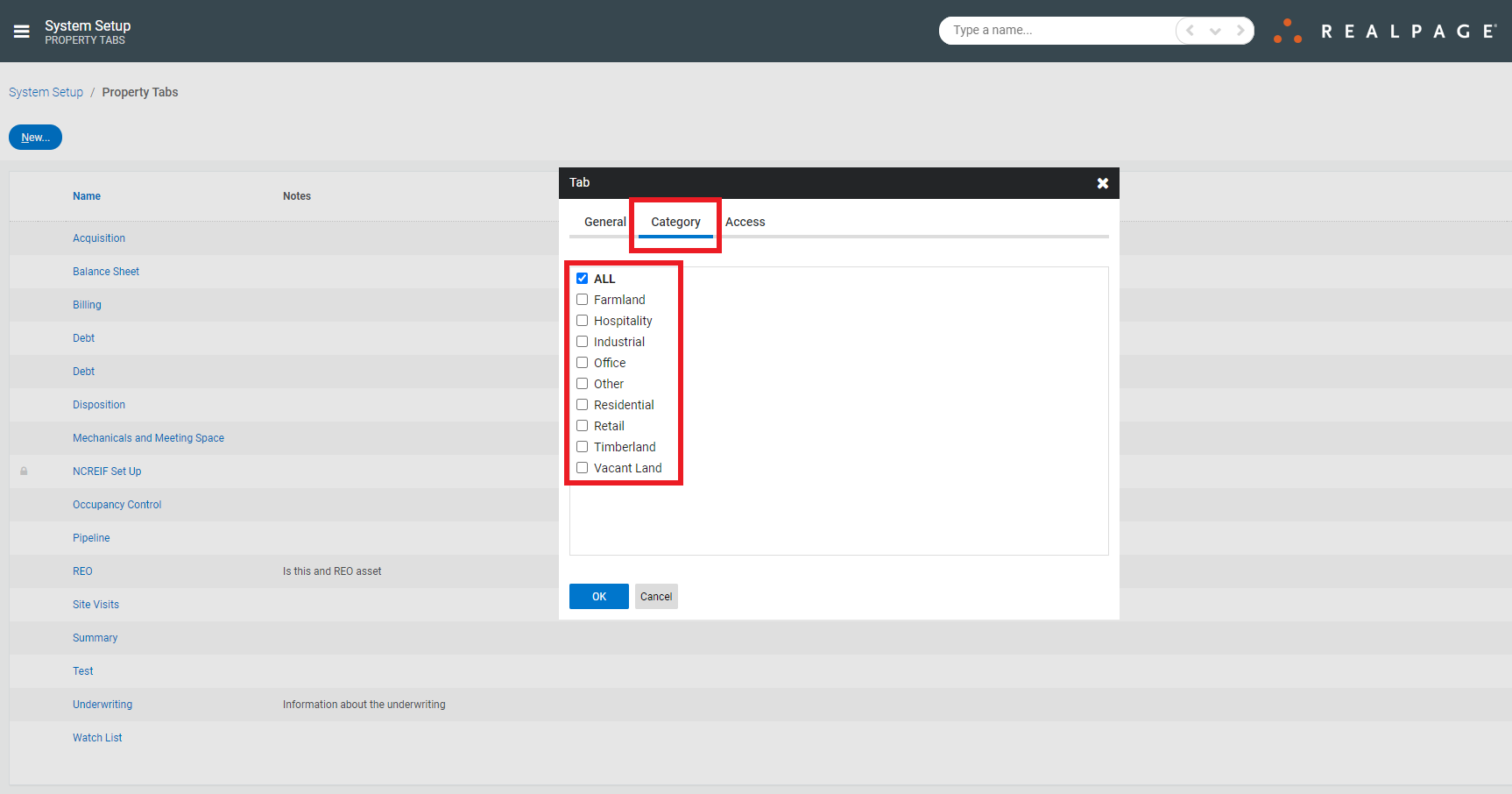
Then, under Category, choose which types of properties the new tab should appear under:
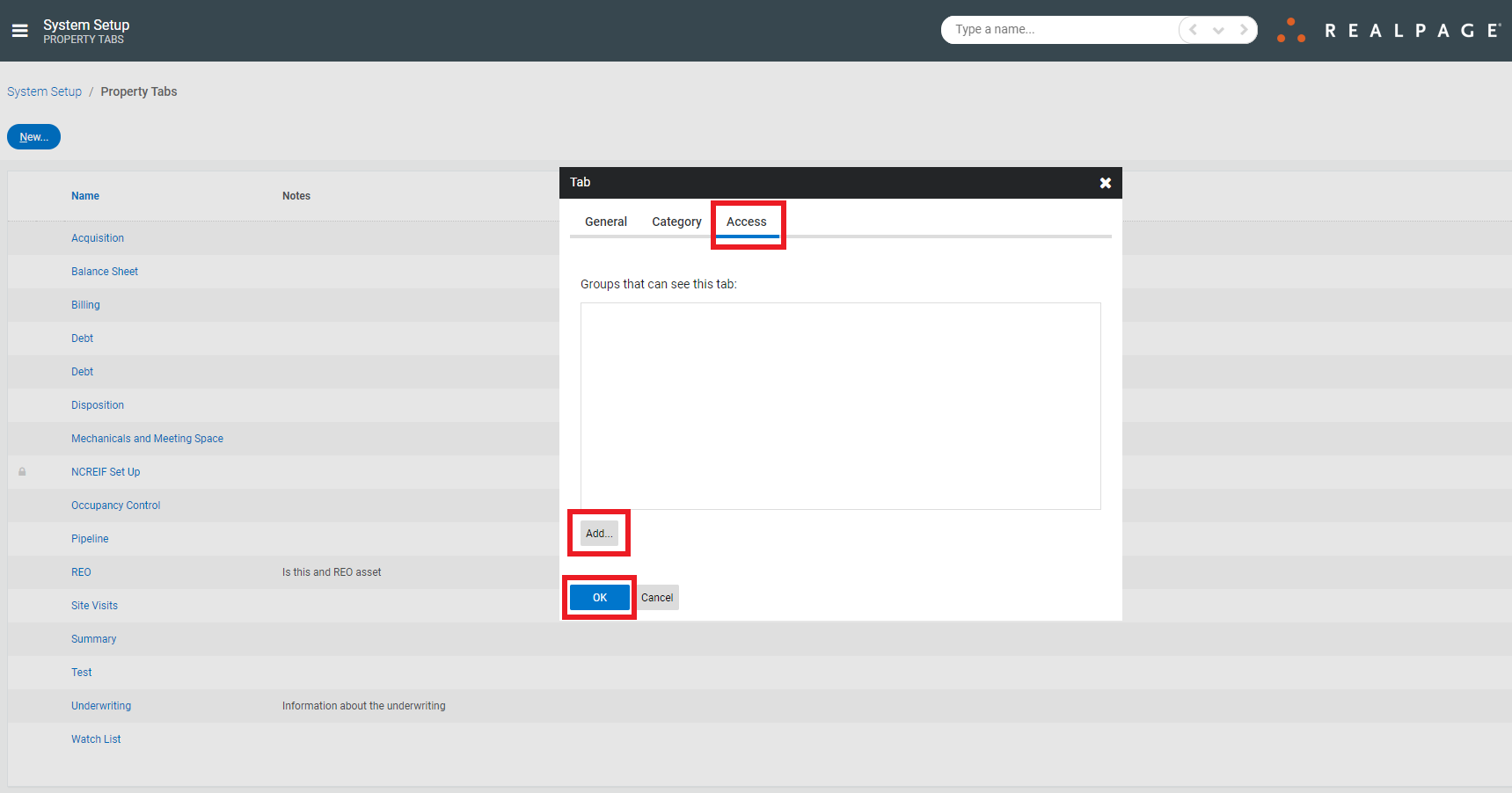
Finally, under Access, choose which groups that should be able to see this tab and click OK:
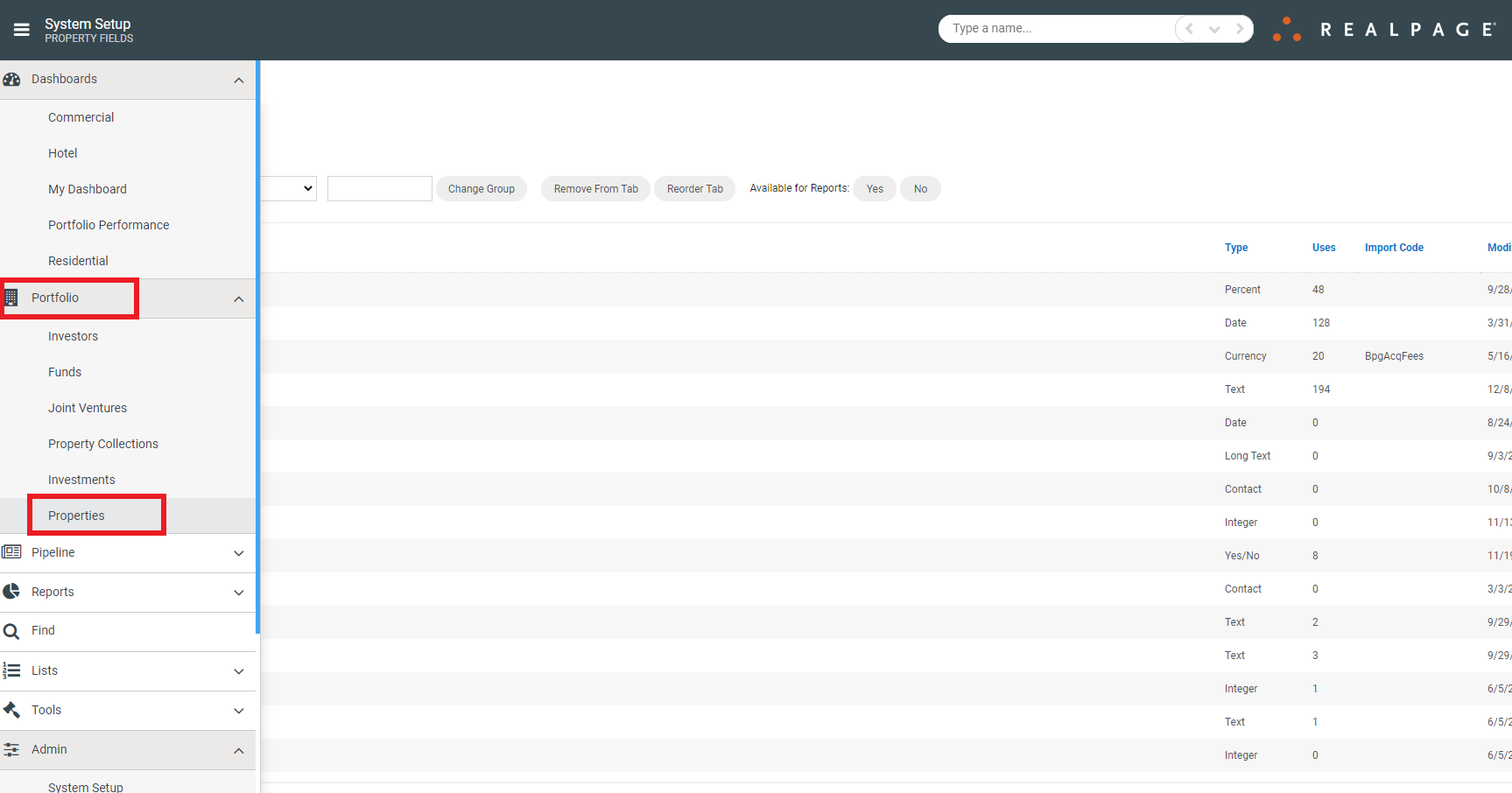
Now, to verify the new Tab functionality, navigate to Portfolio>Properties:
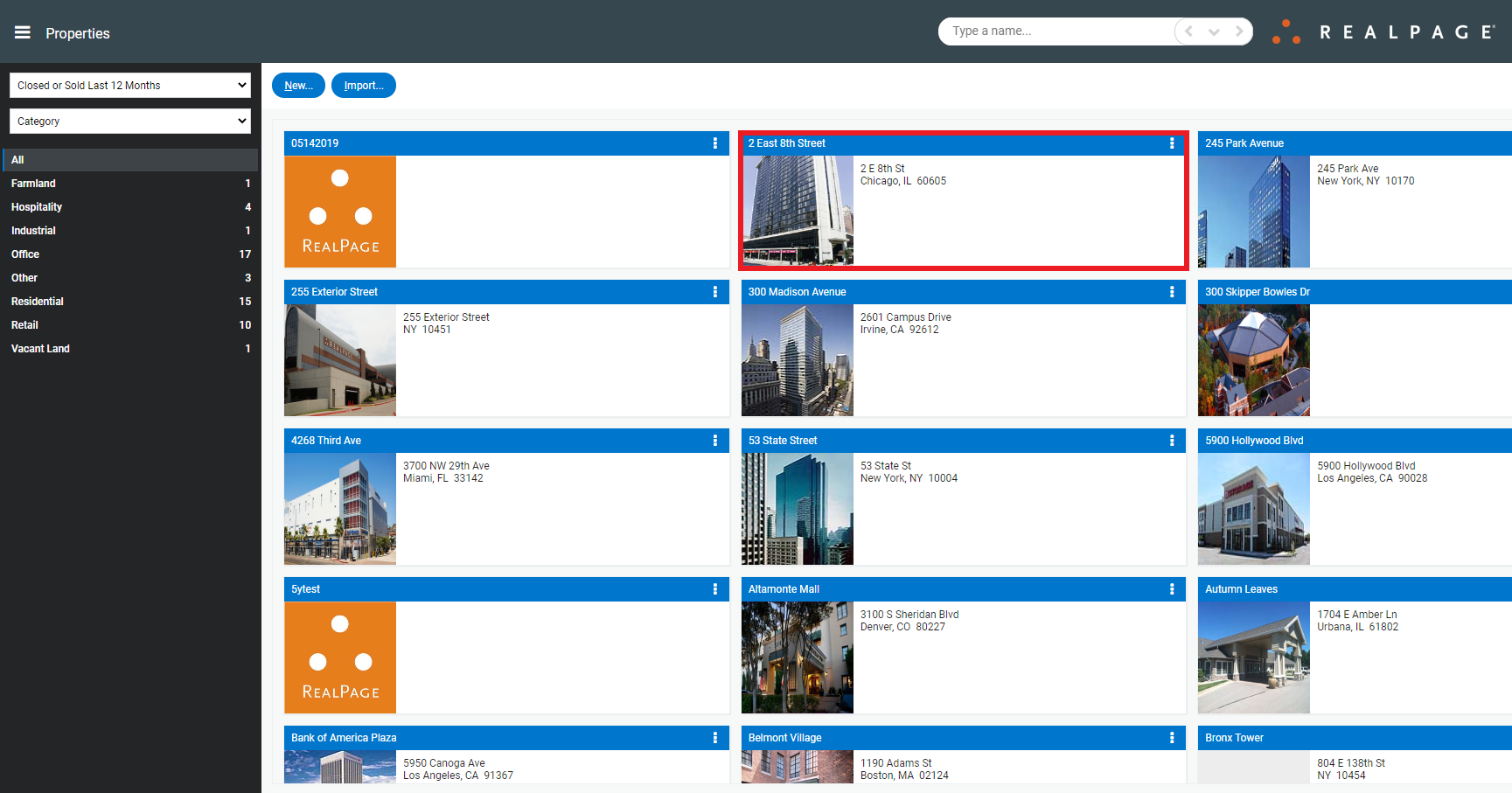
Choose a Property:
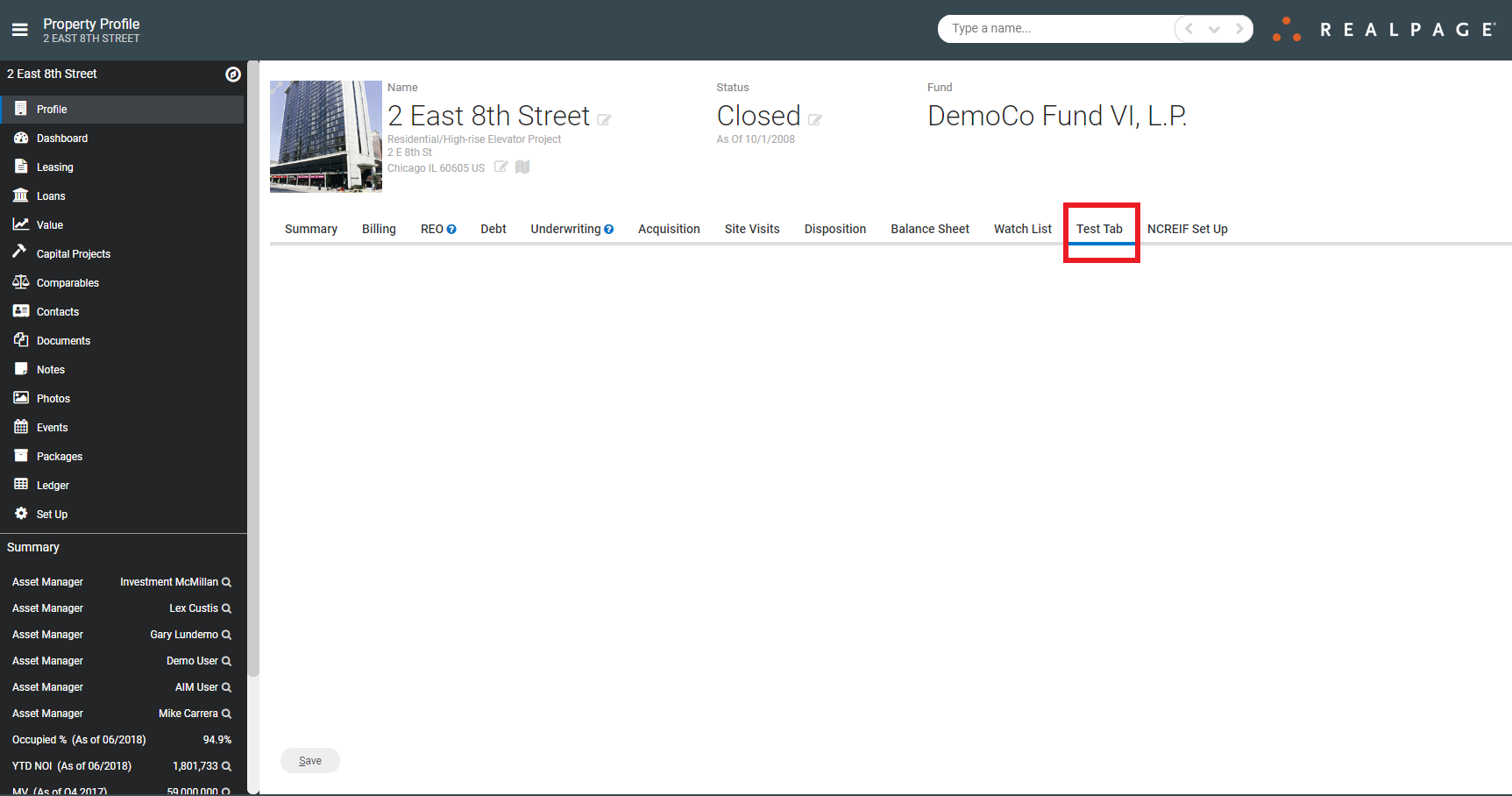
And look for the new Tab:
To add custom fields to this tab, please see the Help Center article titled Create a Custom Field.