How to Bind a Reporting Package
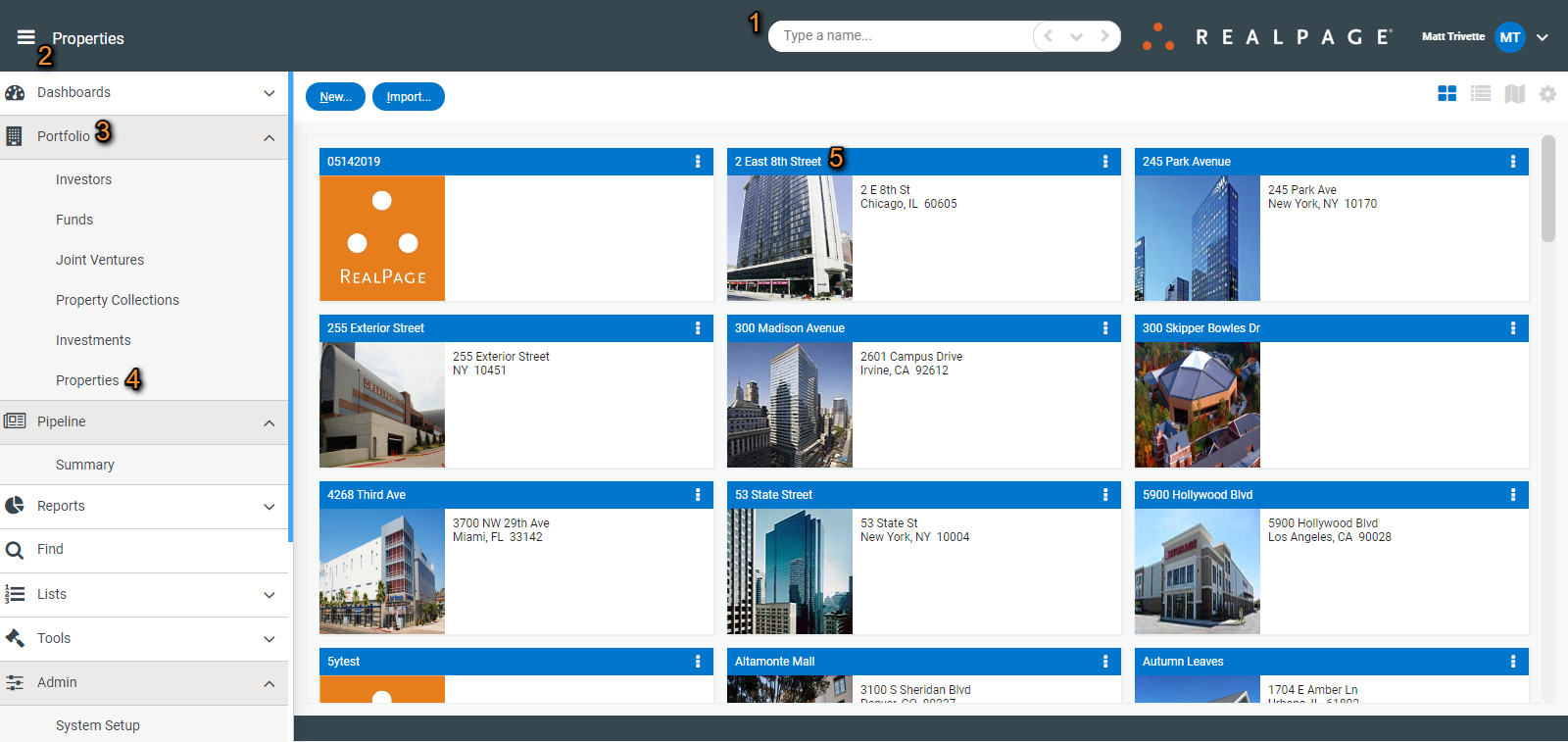
Once a package has been created, you can bind it to a property by first navigating to the property by either typing in the name of the property using the search bar (1) at the top of the screen or by clicking the hamburger icon (2) in the upper left and going to Portfolio (3)>Properties (4) to select the property (5) from the list.
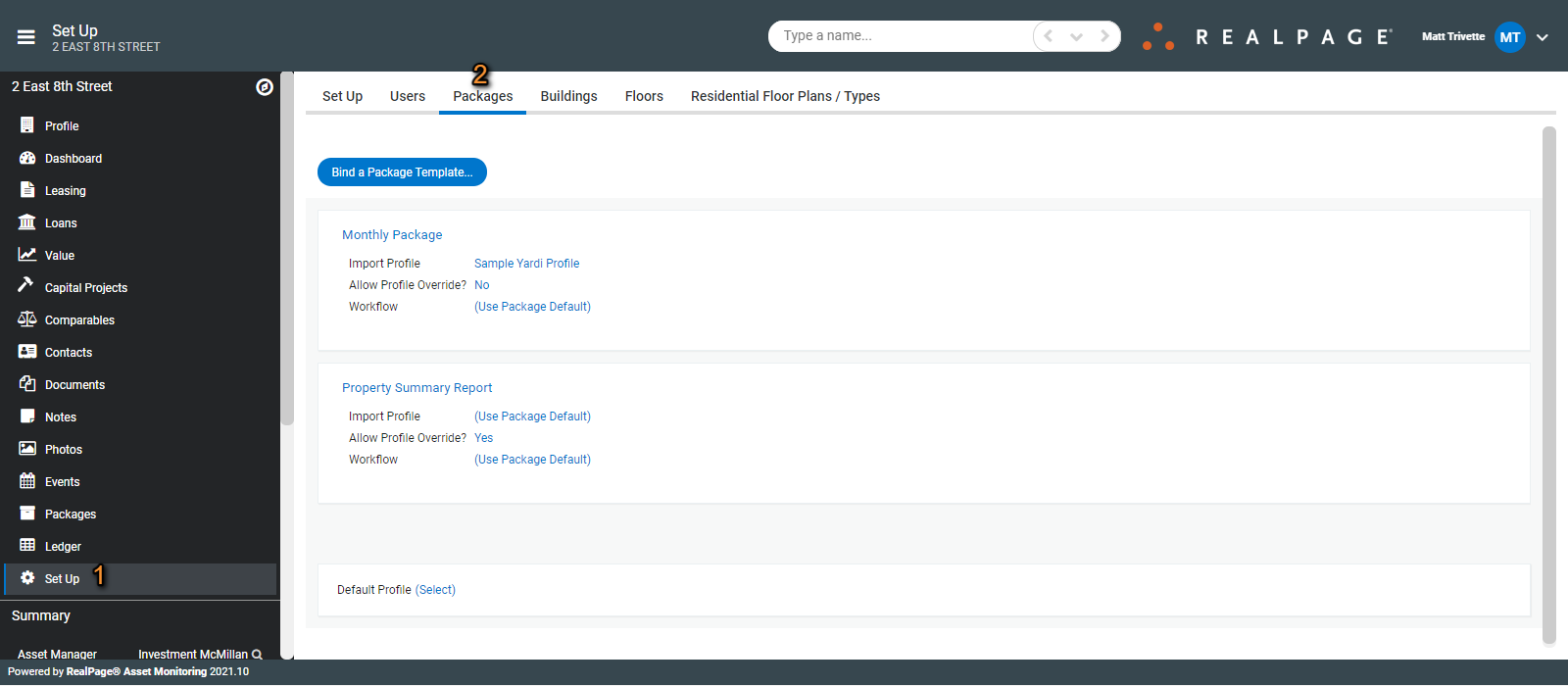
Select Set Up (1) and the Packages (2) tab.
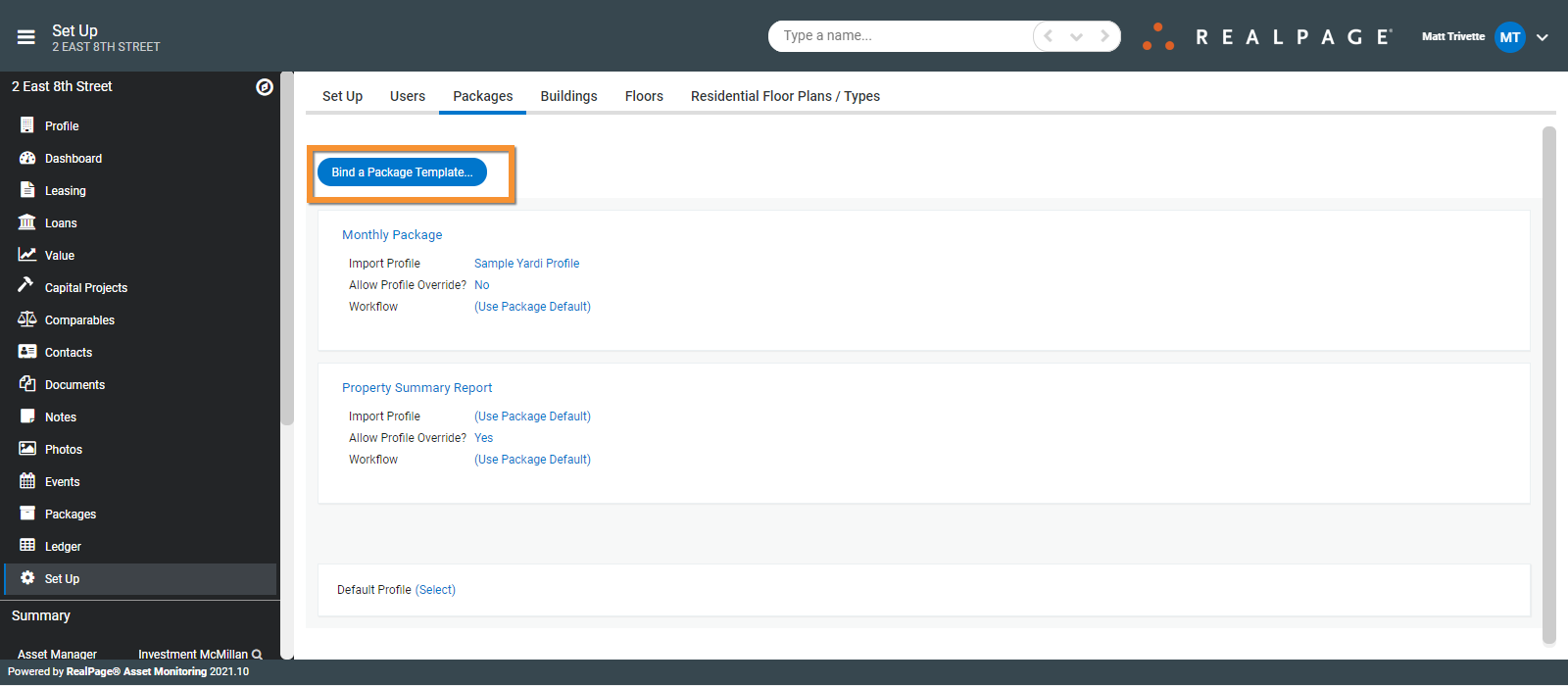
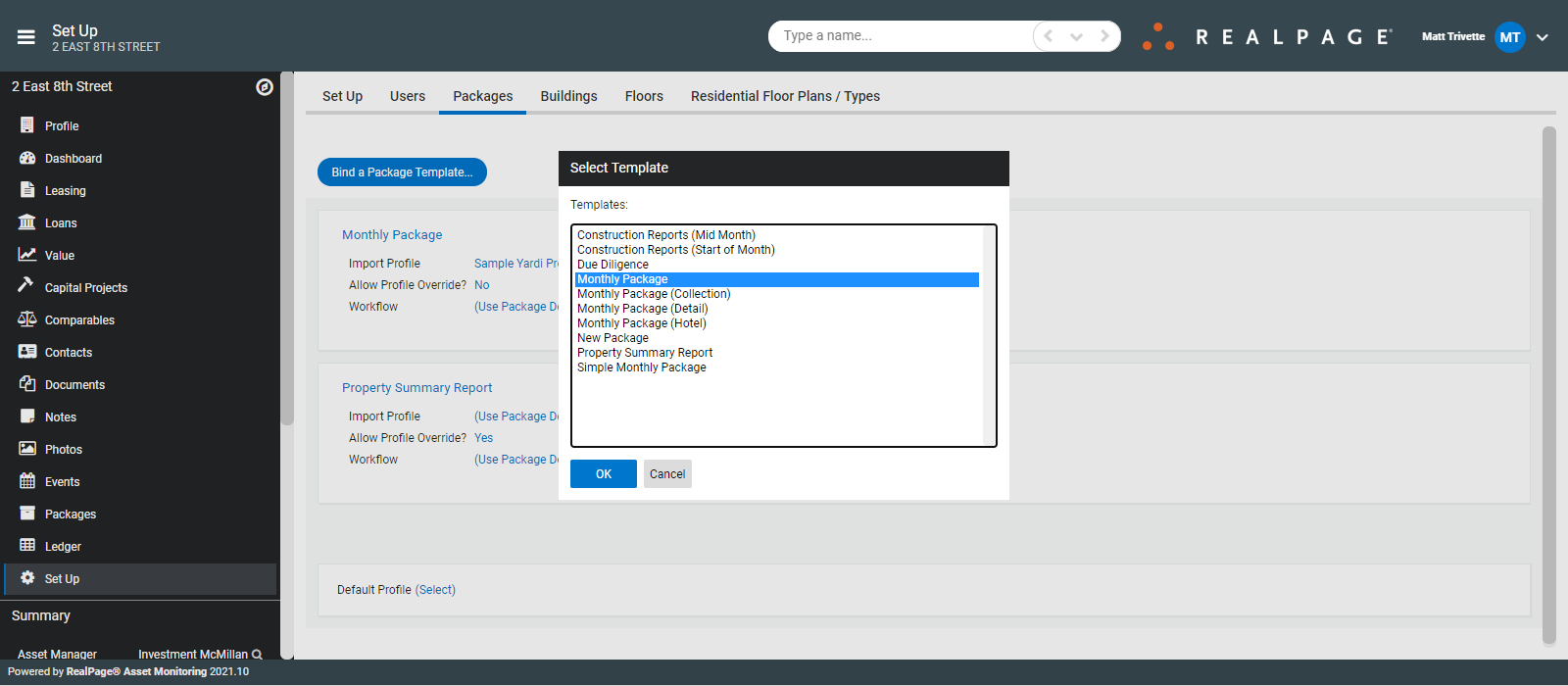
Click Bind a Package Template.
Select the template to use.
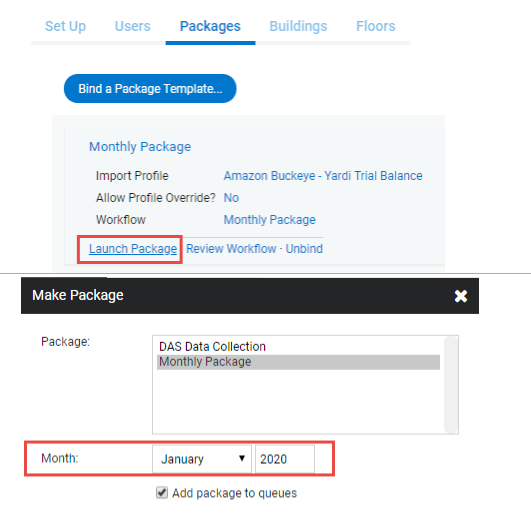
To launch the package, click Launch Package and select the month.