Filter Contacts at Property Level
The ability to filter contacts at the property level will allow you to only see contacts that are relevant to the property. The filter will apply across all properties and is unique to your user login so different users can each have their own custom filter.
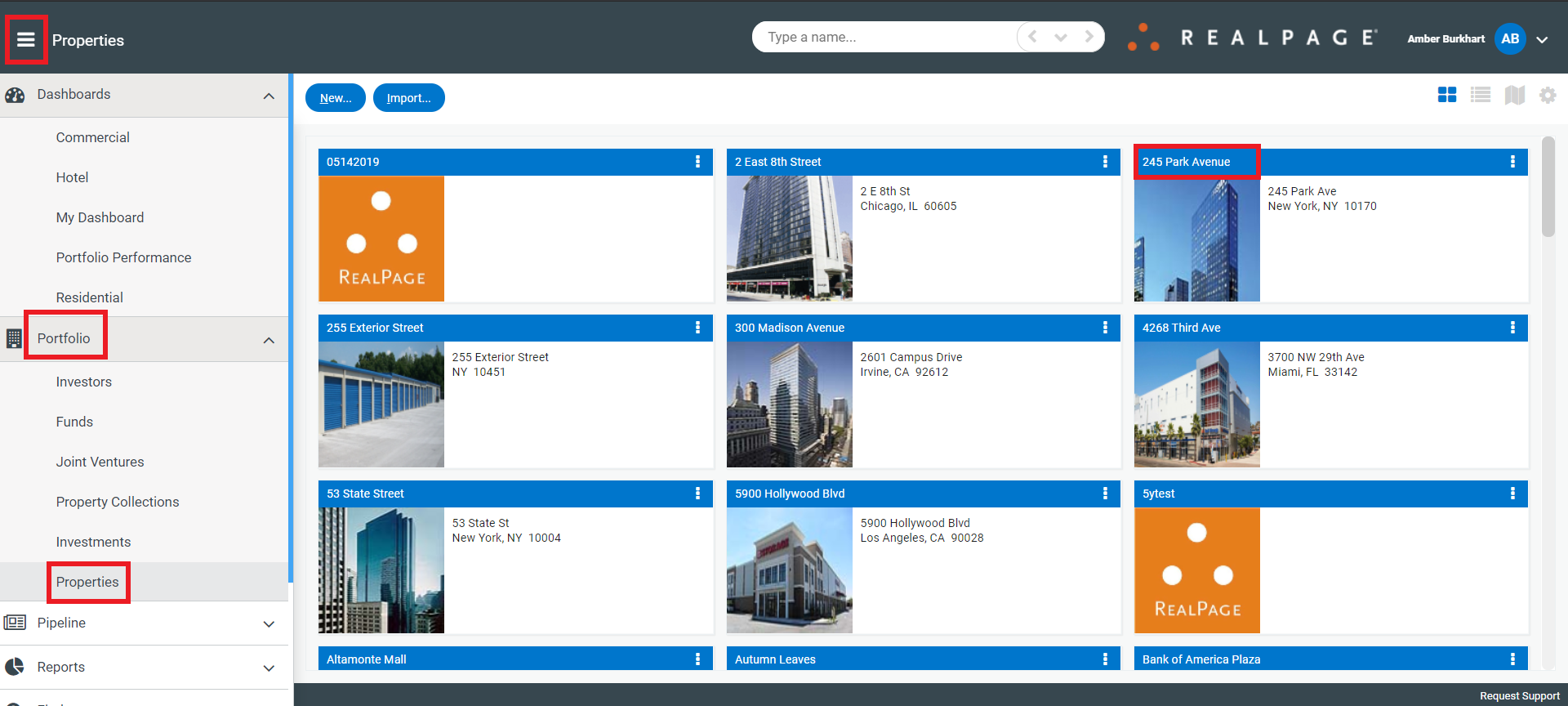
Navigate to a property by clicking the menu>Portfolio>Properties and click on a property.
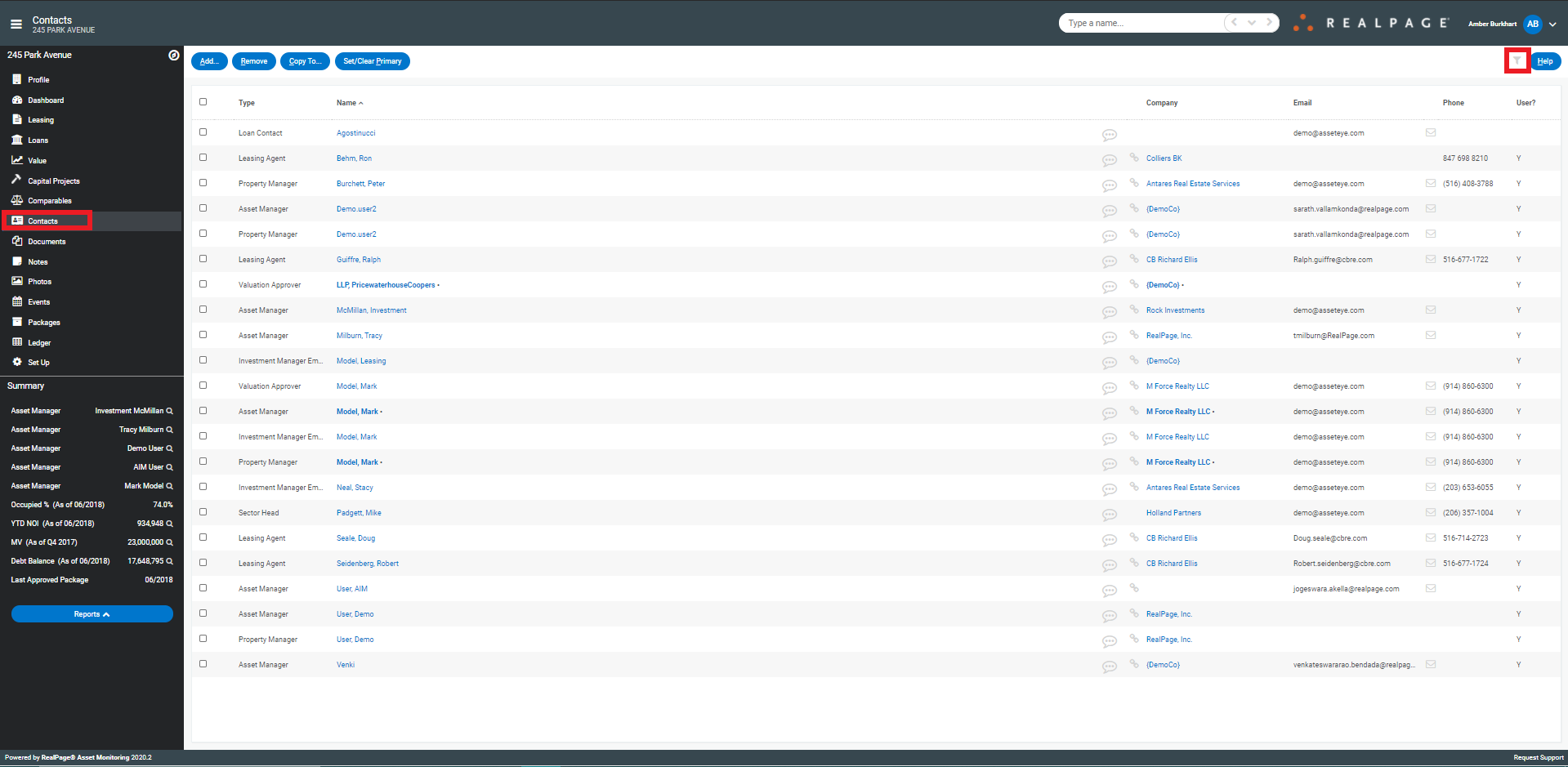
Select the Contacts tab and then click on the filter icon in the upper right.
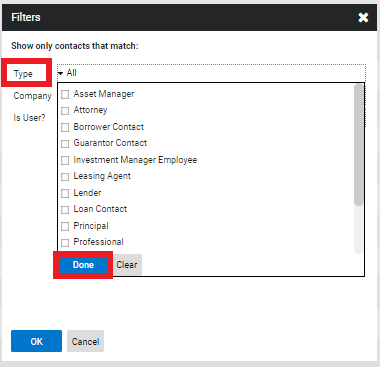
First, choose one or more contact types and select Done.
Next, choose one or more Companies and select Done.
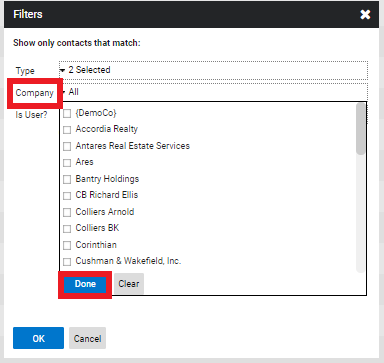
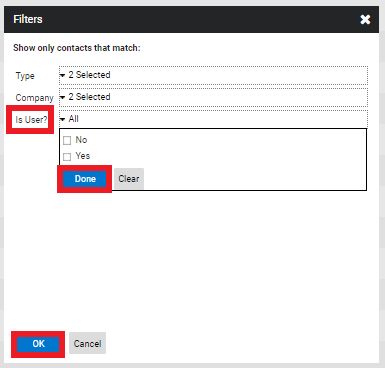
Then, choose whether or not you want to see contacts that are users, select Done and then click OK. If on any of the selections you do not wish to filter, simply do not choose any selection and that field will show all.